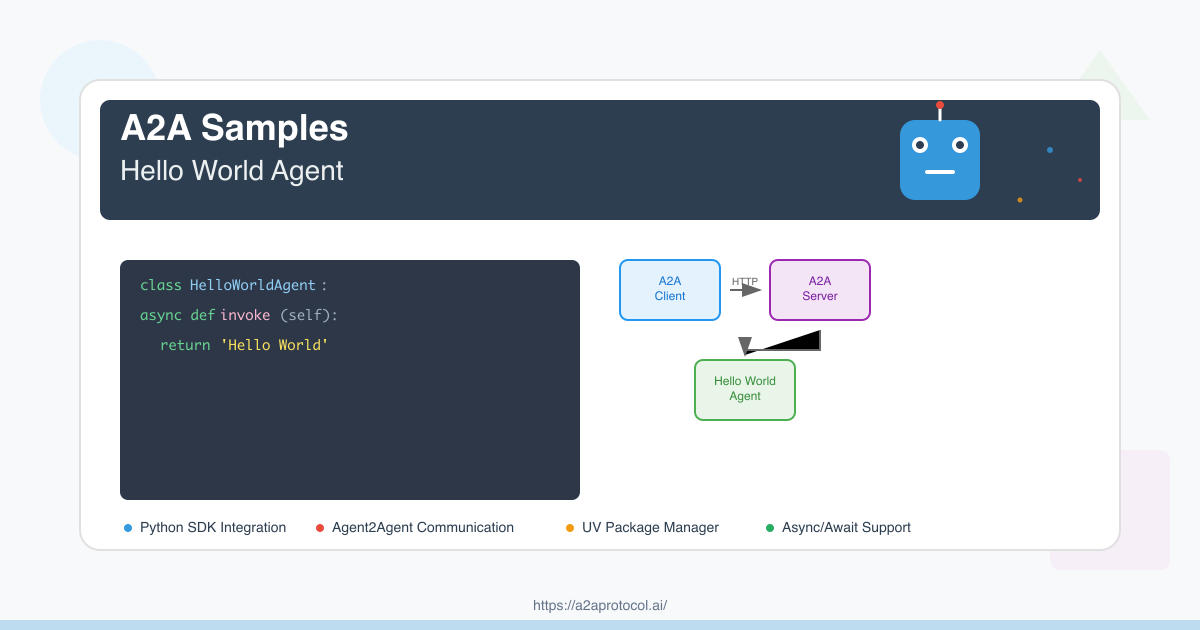
プロジェクト概要
これはA2A(Agent2Agent)SDKに基づくシンプルなHello Worldエージェントの例です。このプロジェクトでは、ユーザーメッセージに応答し、シンプルな挨拶を返すことができる基本的なインテリジェントエージェントサーバーの作成方法を示します。
依存関係バージョンの説明
Pythonバージョン要件
- Python >= 3.10
主要依存関係パッケージ
| パッケージ名 | バージョン | 用途 |
|---|---|---|
a2a-sdk |
>= 0.2.5 | A2Aコア SDK、エージェントフレームワークを提供 |
uvicorn |
>= 0.34.2 | ASGIサーバー、Webアプリケーション実行用 |
click |
>= 8.1.8 | コマンドラインインターフェースツール |
httpx |
>= 0.28.1 | 非同期HTTPクライアント |
pydantic |
>= 2.11.4 | データ検証とシリアライゼーション |
python-dotenv |
>= 1.1.0 | 環境変数管理 |
langchain-google-genai |
>= 2.1.4 | Google Generative AI統合 |
langgraph |
>= 0.4.1 | 言語グラフ処理フレームワーク |
プロジェクト構造
helloworld/
├── __init__.py              # パッケージ初期化ファイル
├── __main__.py              # メインプログラムエントリーポイント
├── agent_executor.py        # エージェント実行器実装
├── test_client.py           # テストクライアント
├── pyproject.toml           # プロジェクト設定と依存関係
├── uv.lock                  # 依存関係ロックファイル
└── README.md                # プロジェクトドキュメント
環境セットアップ
1. UVパッケージマネージャーのインストール
まだUVをインストールしていない場合は、まずインストールしてください:
# macOS/Linux
curl -LsSf https://astral.sh/uv/install.sh | sh

# またはpipを使用
pip install uv
2. プロジェクトのクローン
git clone https://github.com/google-a2a/a2a-samples.git
cd a2a-samples/samples/python/agents/helloworld
3. 依存関係のインストール
UVはpyproject.tomlとuv.lockファイルに従って自動的にすべての依存関係をインストールします:
uv sync
コードアーキテクチャの説明
主要コンポーネント
1. HelloWorldAgent (agent_executor.py)
class HelloWorldAgent:
    """Hello World Agent."""

    async def invoke(self) -> str:
        return 'Hello World'
2. HelloWorldAgentExecutor (agent_executor.py)
class HelloWorldAgentExecutor(AgentExecutor):
    """エージェント実行器実装"""

    async def execute(self, context: RequestContext, event_queue: EventQueue) -> None:
        result = await self.agent.invoke()
        event_queue.enqueue_event(new_agent_text_message(result))
3. サーバー設定 (__main__.py)
- エージェントスキルの定義(AgentSkill)
- パブリックおよび拡張エージェントカードの設定(AgentCard)
- リクエストハンドラーとタスクストレージのセットアップ
- Uvicornサーバーの起動
実行手順
1. エージェントサーバーの起動
uv run .
サーバーはhttp://localhost:9999で起動します。
2. テストクライアントの実行
別のターミナルウィンドウで:
uv run test_client.py
3. サービスの検証
以下の方法でサービスが正常に動作していることを確認できます:
エージェントカード情報へのアクセス
curl http://localhost:9999/.well-known/agent.json
拡張エージェントカードへのアクセス(認証が必要)
curl -H "Authorization: Bearer dummy-token-for-extended-card" \
     http://localhost:9999/agent/authenticatedExtendedCard
プロジェクトフローチャート
A2Aクライアントとサーバーの相互作用フロー
sequenceDiagram
    participant Client as A2A Client
    participant Server as A2A Server
    participant Agent as HelloWorldAgent
    participant Queue as EventQueue

    Note over Client,Server: 1. サービス発見フェーズ
    Client->>Server: GET /.well-known/agent.json
    Server-->>Client: パブリックエージェントカードを返す

    Note over Client,Server: 2. 拡張カード取得(オプション)
    Client->>Server: GET /agent/authenticatedExtendedCard<br/>(with Bearer token)
    Server-->>Client: 拡張エージェントカードを返す

    Note over Client,Server: 3. メッセージ送信フロー
    Client->>Server: POST /agent/message<br/>{"message": {"role": "user", "parts": [...]}}

    Note over Server,Queue: 4. サーバー内部処理
    Server->>Agent: HelloWorldAgentExecutor.execute()を呼び出し
    Agent->>Agent: HelloWorldAgent.invoke()を実行
    Agent-->>Queue: "Hello World"メッセージを生成
    Queue-->>Server: イベントキュー結果を返す

    Note over Client,Server: 5. レスポンス返却
    Server-->>Client: メッセージレスポンスを返す

    Note over Client,Server: 6. ストリーミングメッセージ処理(オプション)
    Client->>Server: POST /agent/message/stream
    Server-->>Client: メッセージチャンクをストリーミング返却
    Server-->>Client: メッセージチャンク1
    Server-->>Client: メッセージチャンク2
    Server-->>Client: 終了マーカー
システムアーキテクチャフローチャート
graph TB
    subgraph "クライアント環境"
        C1[テストクライアント起動]
        C2[A2ACardResolver<br/>エージェントカード解析]
        C3[A2AClient<br/>初期化]
        C4[メッセージリクエスト送信]
        C5[レスポンス処理]
    end

    subgraph "ネットワーク通信"
        N1[HTTP/HTTPSリクエスト]
        N2[JSONデータ転送]
    end

    subgraph "サーバー環境"
        S1[A2AStarletteApplication<br/>Webサーバー]
        S2[DefaultRequestHandler<br/>リクエストハンドラー]
        S3[HelloWorldAgentExecutor<br/>エージェント実行器]
        S4[HelloWorldAgent<br/>コアエージェントロジック]
        S5[InMemoryTaskStore<br/>タスクストレージ]
        S6[EventQueue<br/>イベントキュー]
    end

    subgraph "エージェント設定"
        A1[パブリックエージェントカード<br/>基本スキル]
        A2[拡張エージェントカード<br/>強化スキル]
    end

    %% クライアントフロー
    C1 --> C2
    C2 --> C3
    C3 --> C4
    C4 --> C5

    %% ネットワーク通信
    C4 --> N1
    N1 --> N2
    N2 --> S1
    S1 --> N2
    N2 --> C5

    %% サーバーフロー
    S1 --> S2
    S2 --> S3
    S3 --> S4
    S4 --> S6
    S6 --> S3
    S3 --> S2
    S2 --> S1

    %% 設定関連
    A1 --> S1
    A2 --> S1
    S2 --> S5

    %% スタイリング
    style C3 fill:#e3f2fd
    style S1 fill:#f3e5f5
    style S4 fill:#e8f5e8
    style N2 fill:#fff3e0
APIエンドポイント
パブリックエンドポイント
| エンドポイント | メソッド | 説明 |
|---|---|---|
/.well-known/agent.json |
GET | パブリックエージェントカード情報の取得 |
/agent/message |
POST | エージェントへのメッセージ送信 |
/agent/message/stream |
POST | ストリーミングメッセージ送信 |
認証エンドポイント
| エンドポイント | メソッド | 説明 | 認証 |
|---|---|---|---|
/agent/authenticatedExtendedCard |
GET | 拡張エージェントカードの取得 | Bearer Token |
スキル設定
基本スキル
- ID:
hello_world - 名前: Returns hello world
- 説明: just returns hello world
- 例: ['hi', 'hello world']
拡張スキル(認証が必要)
- ID:
super_hello_world - 名前: Returns a SUPER Hello World
- 説明: A more enthusiastic greeting, only for authenticated users
- 例: ['super hi', 'give me a super hello']
トラブルシューティング
一般的な問題
-
ポートが占有されている
# ポート使用状況の確認 lsof -i :9999 # 占有プロセスの終了 kill -9 <PID> -
依存関係インストールの失敗
# キャッシュクリアと再インストール uv cache clean uv sync --reinstall -
Pythonバージョンの非互換性
# Pythonバージョンの確認
python --version
# バージョン >= 3.10であることを確認
拡張開発
新しいスキルの追加
__main__.pyで新しいAgentSkillを定義agent_executor.pyでロジック処理を変更- エージェントカード設定を更新
外部API統合
pyproject.tomlに新しい依存関係を追加agent_executor.pyでAPI呼び出しを実装- 非同期レスポンスとエラーを処理
まとめ
このHello World例では、A2A SDKの基本的な使用方法を示しています:
- エージェントサーバーの作成と設定
- スキルの定義と管理
- クライアント・サーバー通信
- 認証と拡張機能
この例を通じて、独自のインテリジェントエージェントアプリケーションの構築方法を素早く理解できます。
Featured Products
Tools and services from the A2A ecosystem directory.
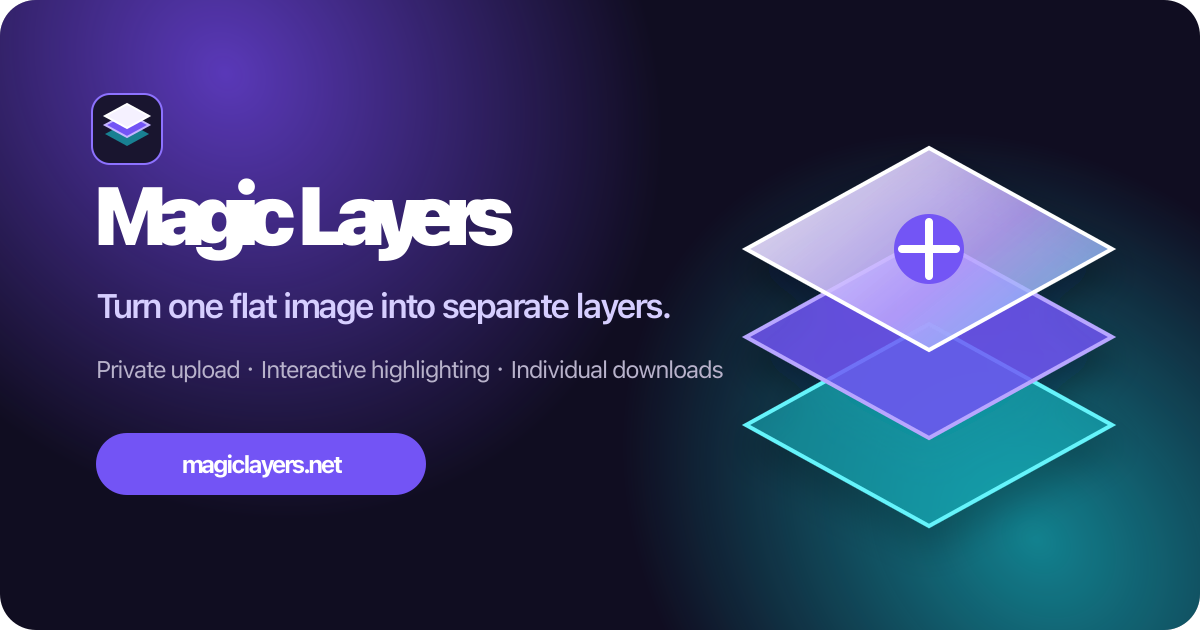
Turn any flat image into named, editable layers—separate text, subjects, decorations, and backgrounds in just a few clicks.
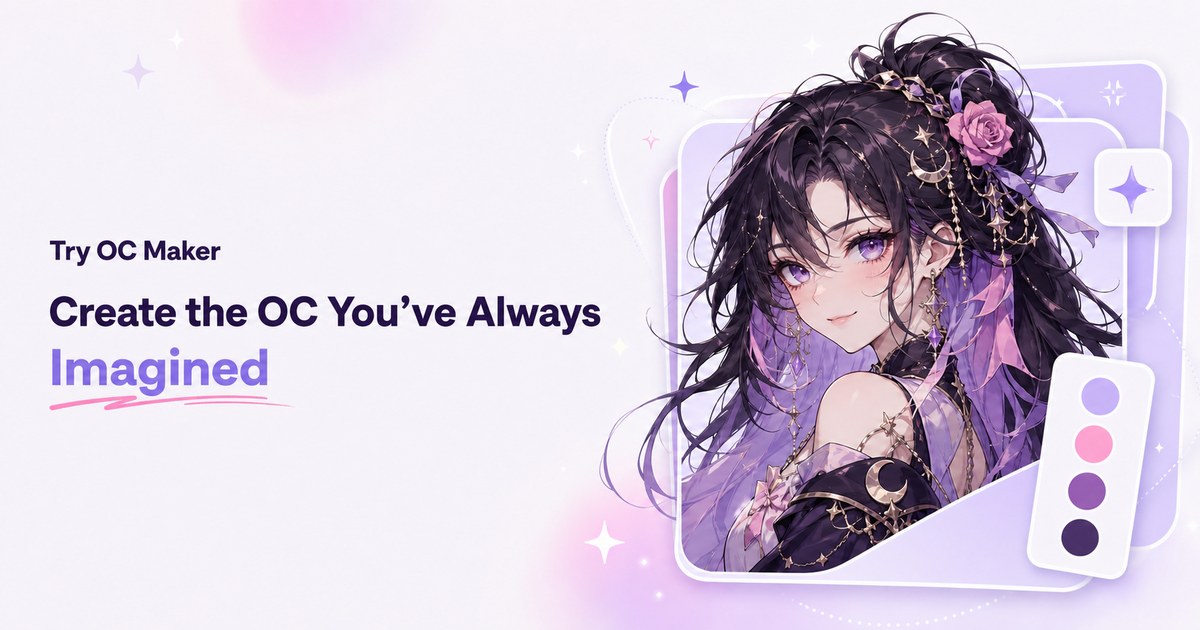
Start with a simple prompt, then let our AI OC Maker turn your idea into anime characters, fantasy OCs, roleplay avatars, and full-body character designs.
Related Articles
Explore more content related to this topic
Building an A2A Currency Agent with LangGraph
This guide provides a detailed explanation of how to build an A2A-compliant agent using LangGraph and the Google Gemini model. We'll walk through the Currency Agent example from the A2A Python SDK, explaining each component, the flow of data, and how the A2A protocol facilitates agent interactions.
A2A Python Sample: Github Agent
How to use a2a-python to Create and Connect Github Agent with Google's Agent2Agent (A2A) Protocol
AP2 (Agent Payments Protocol) Usage Tutorial
"AP2 (Agent Payments Protocol) is a protocol for agent payments that supports both human-present and human-absent commerce flows. This tutorial provides detailed instructions on how to use the AP2 Python sample project."
A2A Protocol Specification (Python)
Comprehensive guide to the A2A protocol Python implementation specification, covering agent cards, message passing, task management, security authentication, and other core functionalities' data structures and object relationships, providing developers with a complete protocol implementation guide.
A2A Sample: Travel Planner OpenRouter
A2A implementation of Travel Planner with OpenRouter and Python a2a-sdk