Project Overview
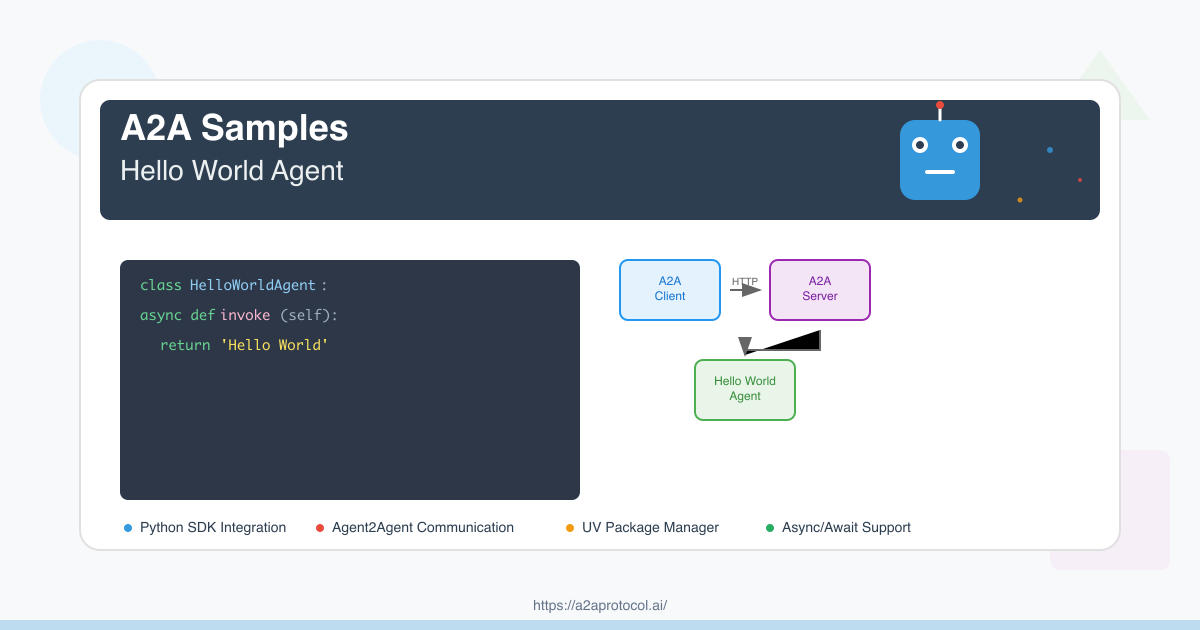
This is a simple Hello World agent example based on the A2A (Agent2Agent) SDK. The project demonstrates how to cA2A Protocolelligent agent server that can respond to user messages and return simple greetings.
Dependency Version Requirements
Python Version Requirements
- Python >= 3.10
Core Dependencies
| Package | Version | Purpose |
|---|---|---|
a2a-sdk |
>= 0.2.5 | A2A core SDK, provides agent framework |
uvicorn |
>= 0.34.2 | ASGI server for running web applications |
click |
>= 8.1.8 | Command line interface tool |
httpx |
>= 0.28.1 | Async HTTP client |
pydantic |
>= 2.11.4 | Data validation and serialization |
python-dotenv |
>= 1.1.0 | Environment variable management |
langchain-google-genai |
>= 2.1.4 | Google Generative AI integration |
langgraph |
>= 0.4.1 | Language graph processing framework |
Project Structure
helloworld/
├── __init__.py              # Package initialization file
├── __main__.py              # Main program entry point
├── agent_executor.py        # Agent executor implementation
├── test_client.py           # Test client
├── pyproject.toml           # Project configuration and dependencies
├── uv.lock                  # Dependency lock file
└── README.md                # Project documentation
Environment Setup
1. Install UV Package Manager
If you haven't installed UV yet, please install it first:
# macOS/Linux
curl -LsSf https://astral.sh/uv/install.sh | sh

# Or use pip
pip install uv
2. Clone the Project
git clone https://github.com/google-a2a/a2a-samples.git
cd a2a-samples/samples/python/agents/helloworld
3. Install Dependencies
UV will automatically install all dependencies based on pyproject.toml and uv.lock files:
uv sync
Code Architecture
Core Components
1. HelloWorldAgent (agent_executor.py)
class HelloWorldAgent:
    """Hello World Agent."""

    async def invoke(self) -> str:
        return 'Hello World'
2. HelloWorldAgentExecutor (agent_executor.py)
class HelloWorldAgentExecutor(AgentExecutor):
    """Agent executor implementation"""

    async def execute(self, context: RequestContext, event_queue: EventQueue) -> None:
        result = await self.agent.invoke()
        event_queue.enqueue_event(new_agent_text_message(result))
3. Server Configuration (__main__.py)
- Define agent skills (AgentSkill)
- Configure public and extended agent cards (AgentCard)
- Set up request handlers and task storage
- Start Uvicorn server
Running Steps
1. Start the Agent Server
uv run .
The server will start at http://localhost:9999.
2. Run the Test Client
In another terminal window:
uv run test_client.py
3. Verify the Service
You can verify that the service is running properly through the following methods:
Access Agent Card Information
curl http://localhost:9999/.well-known/agent.json
Access Extended Agent Card (requires authentication)
curl -H "Authorization: Bearer dummy-token-for-extended-card" \
     http://localhost:9999/agent/authenticatedExtendedCard
Project Flow Diagram
A2A Client-Server Interaction Flow
sequenceDiagram
    participant Client as A2A Client
    participant Server as A2A Server
    participant Agent as HelloWorldAgent
    participant Queue as EventQueue

    Note over Client,Server: 1. Service Discovery Phase
    Client->>Server: GET /.well-known/agent.json
    Server-->>Client: Return public agent card

    Note over Client,Server: 2. Extended Card Retrieval (Optional)
    Client->>Server: GET /agent/authenticatedExtendedCard<br/>(with Bearer token)
    Server-->>Client: Return extended agent card

    Note over Client,Server: 3. Message Sending Flow
    Client->>Server: POST /agent/message<br/>{"message": {"role": "user", "parts": [...]}}

    Note over Server,Queue: 4. Server Internal Processing
    Server->>Agent: Call HelloWorldAgentExecutor.execute()
    Agent->>Agent: Execute HelloWorldAgent.invoke()
    Agent-->>Queue: Generate "Hello World" message
    Queue-->>Server: Return event queue result

    Note over Client,Server: 5. Response Return
    Server-->>Client: Return message response

    Note over Client,Server: 6. Streaming Message Processing (Optional)
    Client->>Server: POST /agent/message/stream
    Server-->>Client: Stream message chunks
    Server-->>Client: Message chunk 1
    Server-->>Client: Message chunk 2
    Server-->>Client: End marker
System Architecture Flow Diagram
graph TB
    subgraph "Client Environment"
        C1[Test Client Startup]
        C2[A2ACardResolver<br/>Parse Agent Card]
        C3[A2AClient<br/>Initialization]
        C4[Send Message Request]
        C5[Process Response]
    end

    subgraph "Network Communication"
        N1[HTTP/HTTPS Request]
        N2[JSON Data Transfer]
    end

    subgraph "Server Environment"
        S1[A2AStarletteApplication<br/>Web Server]
        S2[DefaultRequestHandler<br/>Request Handler]
        S3[HelloWorldAgentExecutor<br/>Agent Executor]
        S4[HelloWorldAgent<br/>Core Agent Logic]
        S5[InMemoryTaskStore<br/>Task Storage]
        S6[EventQueue<br/>Event Queue]
    end

    subgraph "Agent Configuration"
        A1[Public Agent Card<br/>Basic Skills]
        A2[Extended Agent Card<br/>Enhanced Skills]
    end

    %% Client flow
    C1 --> C2
    C2 --> C3
    C3 --> C4
    C4 --> C5

    %% Network communication
    C4 --> N1
    N1 --> N2
    N2 --> S1
    S1 --> N2
    N2 --> C5

    %% Server flow
    S1 --> S2
    S2 --> S3
    S3 --> S4
    S4 --> S6
    S6 --> S3
    S3 --> S2
    S2 --> S1

    %% Configuration associations
    A1 --> S1
    A2 --> S1
    S2 --> S5

    %% Styling
    style C3 fill:#e3f2fd
    style S1 fill:#f3e5f5
    style S4 fill:#e8f5e8
    style N2 fill:#fff3e0
API Endpoints
Public Endpoints
| Endpoint | Method | Description |
|---|---|---|
/.well-known/agent.json |
GET | Get public agent card information |
/agent/message |
POST | Send message to agent |
/agent/message/stream |
POST | Stream message to agent |
Authenticated Endpoints
| Endpoint | Method | Description | Authentication |
|---|---|---|---|
/agent/authenticatedExtendedCard |
GET | Get extended agent card | Bearer Token |
Skill Configuration
Basic Skills
- ID:
hello_world - Name: Returns hello world
- Description: just returns hello world
- Examples: ['hi', 'hello world']
Extended Skills (requires authentication)
- ID:
super_hello_world - Name: Returns a SUPER Hello World
- Description: A more enthusiastic greeting, only for authenticated users
- Examples: ['super hi', 'give me a super hello']
Troubleshooting
Common Issues
-
Port Already in Use
# Check port usage lsof -i :9999 # Kill the process kill -9 <PID> -
Dependency Installation Failed
# Clean cache and reinstall uv cache clean uv sync --reinstall -
Python Version Incompatible
# Check Python version
python --version
# Ensure version >= 3.10
Extension Development
Adding New Skills
- Define new
AgentSkillin__main__.py - Modify logic handling in
agent_executor.py - Update agent card configuration
Integrating External APIs
- Add new dependencies in
pyproject.toml - Implement API calls in
agent_executor.py - Handle async responses and errors
Summary
This Hello World example demonstrates the basic usage of the A2A SDK, including:
- Creating and configuring agent servers
- Skill definition and management
- Client-server communication
- Authentication and extended functionality
Through this example, you can quickly understand how to build your own intelligent agent applications.
Discover Products
Discover useful AI products and services.

Create images, videos, voiceovers and music with AI Kenerate. Turn text and photos into creative content with AI tools and an agent in one workspace.
Decisions API brings multiple AI decision models into one workflow for classifying, scoring, routing, and evaluating text with structured outputs.
Build smarter AI workflows with a unified API for classification, scoring, routing, verification, and other structured decisions.
Try Jev AI Model online for free after sign in. Classify, score, and route text with structured results. Buy credits for API access.
The Discord bot maker your server actually needs

Turn any flat image into named, editable layers—separate text, subjects, decorations, and backgrounds in just a few clicks.
Related Articles
Explore more content related to this topic
Building an A2A Currency Agent with LangGraph
This guide provides a detailed explanation of how to build an A2A-compliant agent using LangGraph and the Google Gemini model. We'll walk through the Currency Agent example from the A2A Python SDK, explaining each component, the flow of data, and how the A2A protocol facilitates agent interactions.
A2A Python Sample: Github Agent
How to use a2a-python to Create and Connect Github Agent with Google's Agent2Agent (A2A) Protocol
AP2 (Agent Payments Protocol) Usage Tutorial
"AP2 (Agent Payments Protocol) is a protocol for agent payments that supports both human-present and human-absent commerce flows. This tutorial provides detailed instructions on how to use the AP2 Python sample project."
A2A Protocol Specification (Python)
Comprehensive guide to the A2A protocol Python implementation specification, covering agent cards, message passing, task management, security authentication, and other core functionalities' data structures and object relationships, providing developers with a complete protocol implementation guide.
A2A Sample: Travel Planner OpenRouter
A2A implementation of Travel Planner with OpenRouter and Python a2a-sdk