A Flying Roadster AI video is a short, fictional clip that puts a car into a cinematic flight scene. The idea is simple; making the car feel like your car takes a little planning.
If you are looking for a Tesla flying roadster video generator, start by deciding what the scene should feel like. Then choose photos and a frame that keep the car recognizable.
Searches for a roadster flying car video or “roadster flying car AI” usually describe clips built around that same fictional leap from street to sky.
This guide works through those creative choices first, then shows how Flying Roadster AI can turn them into a video.
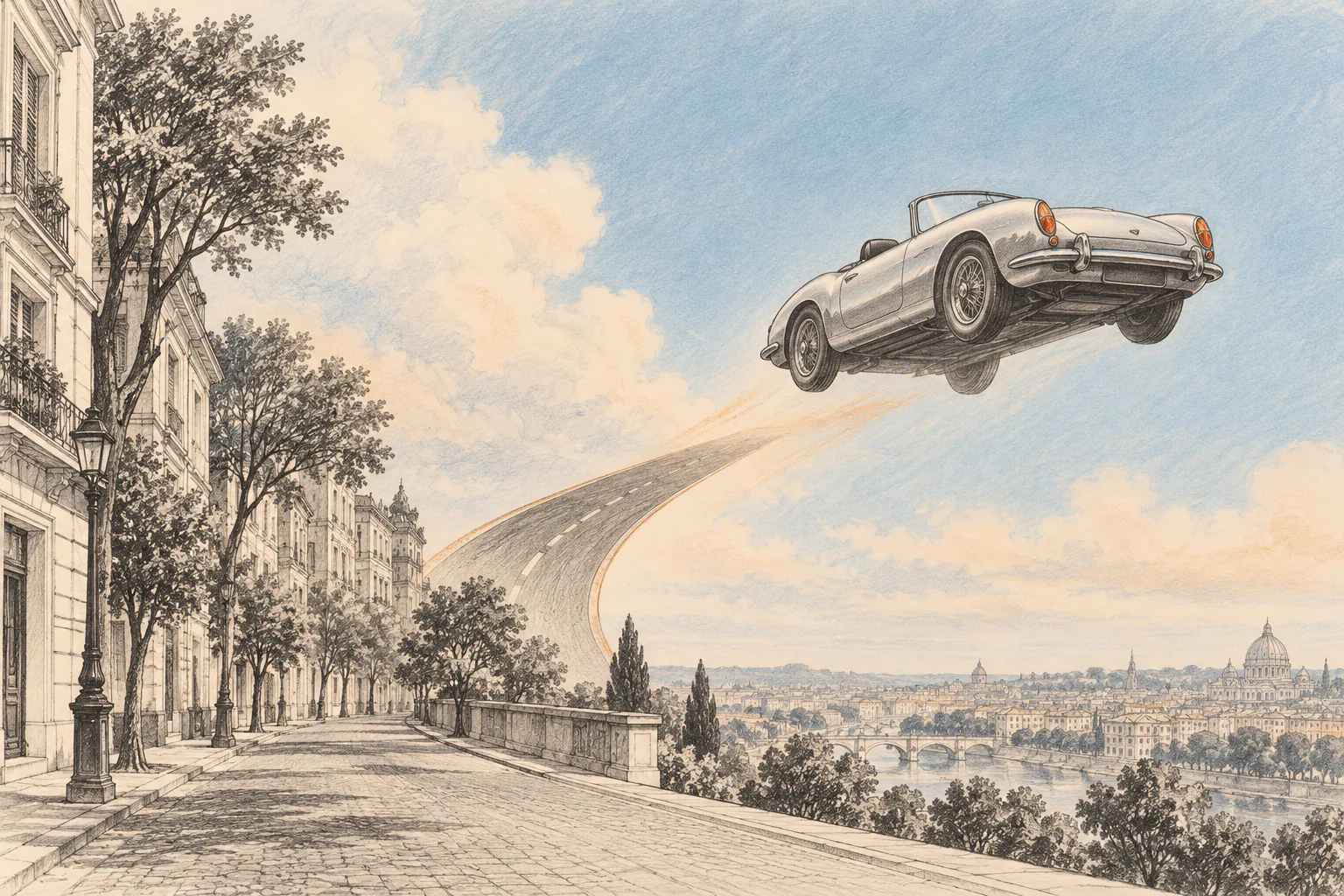
1. Start with one clear moment
A flying car scene can quickly become crowded with ideas: a launch, a chase, a race, a city skyline, and a dramatic landing. For a short clip, choose one moment that reads at a glance.
For example: a silver roadster leaves a quiet evening avenue and lifts toward the skyline. The contrast between an ordinary street and an impossible takeoff gives a Tesla Roadster meme video its visual joke without making the scene hard to follow.
Before opening an AI flying car video generator, write a small creative brief:
Subject: my silver roadster
Moment: lifting above a city avenue
Mood: playful and cinematic
Frame: vertical for a phone feed
This is a planning note, not a text prompt in the Flying Roadster AI studio. The studio uses a built-in flight sequence; your photos determine which car and optional driver appear in it.
2. Pick photos that keep the car consistent
Use one to three clear photos of the same car. A side view and a front view are useful because they show different parts of the car while keeping its identity easy to recognize.
Avoid mixing several cars, hiding the body behind people or objects, or using very dark and heavily cropped images. Flying Roadster AI accepts JPG, PNG, and WebP images up to 10 MB each; each image must be at least 300 by 300 pixels.
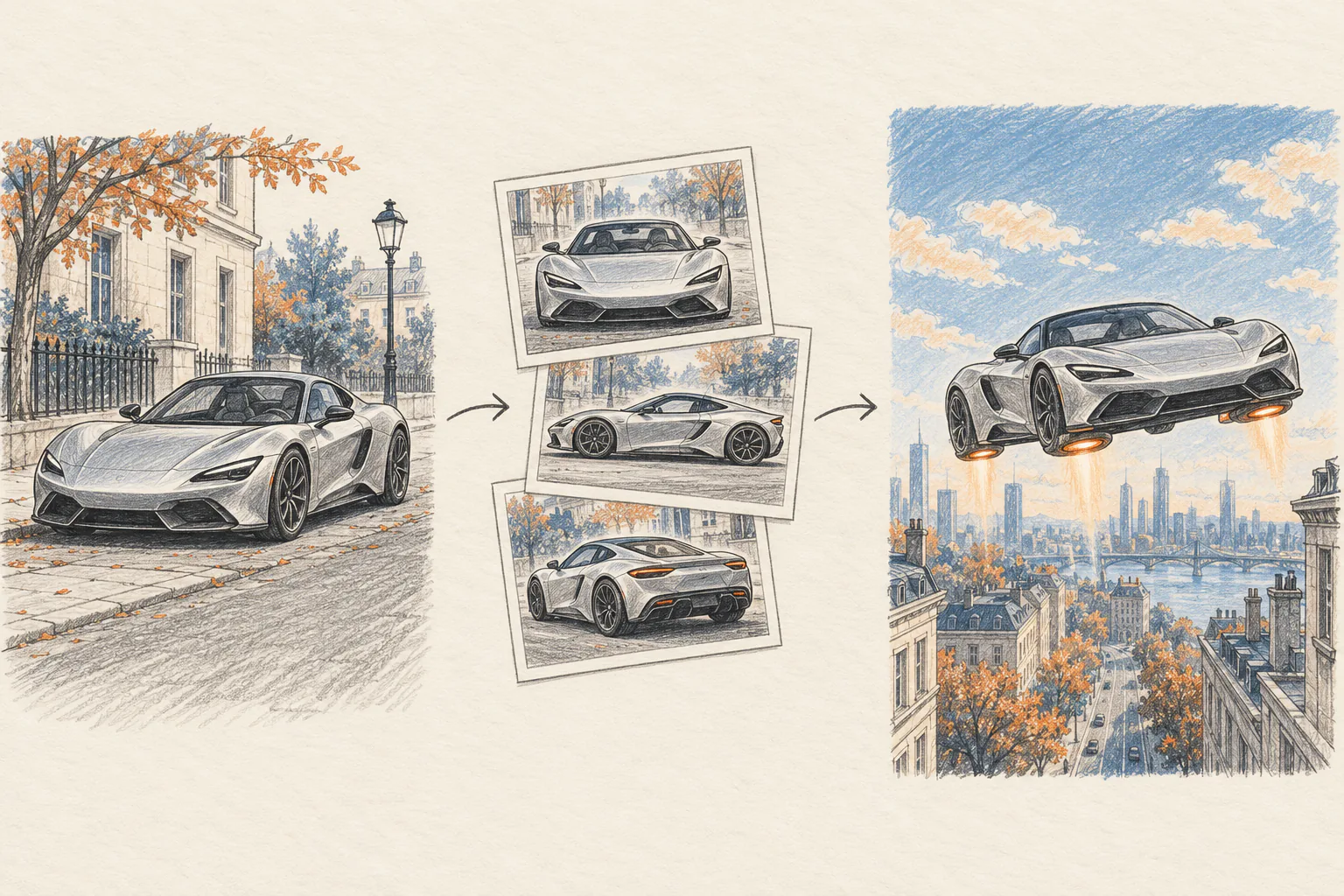
3. Decide whether to include a driver
A driver portrait is optional. Add one clear portrait of an adult if you want the clip to feel more personal. Use a photo you have permission to use, and get the person's permission before uploading their likeness.
Leave the portrait slot empty if you do not want to personalize the built-in driver. With a portrait, choose a well-lit image where the face is easy to see. The same rule applies to the car: clear references give the video a better chance of keeping the subject recognizable.
4. Match the frame to the place you will share it
Choose an aspect ratio before generating. Vertical 9:16 suits phone-first short-form posts; 16:9 or 21:9 gives the skyline more room; square 1:1 and 4:3 or 3:4 offer other crops. The Flying Roadster AI studio supports all six ratios.
You can also choose 480p or 720p. Both resolutions use the same 50-credit generation cost, so choose the one that fits how you plan to share the clip.
5. Make the video with Flying Roadster AI
Once the idea and photos are ready, Flying Roadster AI is a practical tool for this workflow. It is a Tesla flying roadster video generator built around a flight scene: choose a preset car or upload your own photos, add an optional driver portrait, and select the output format. You do not need to upload a video or write a long text prompt.
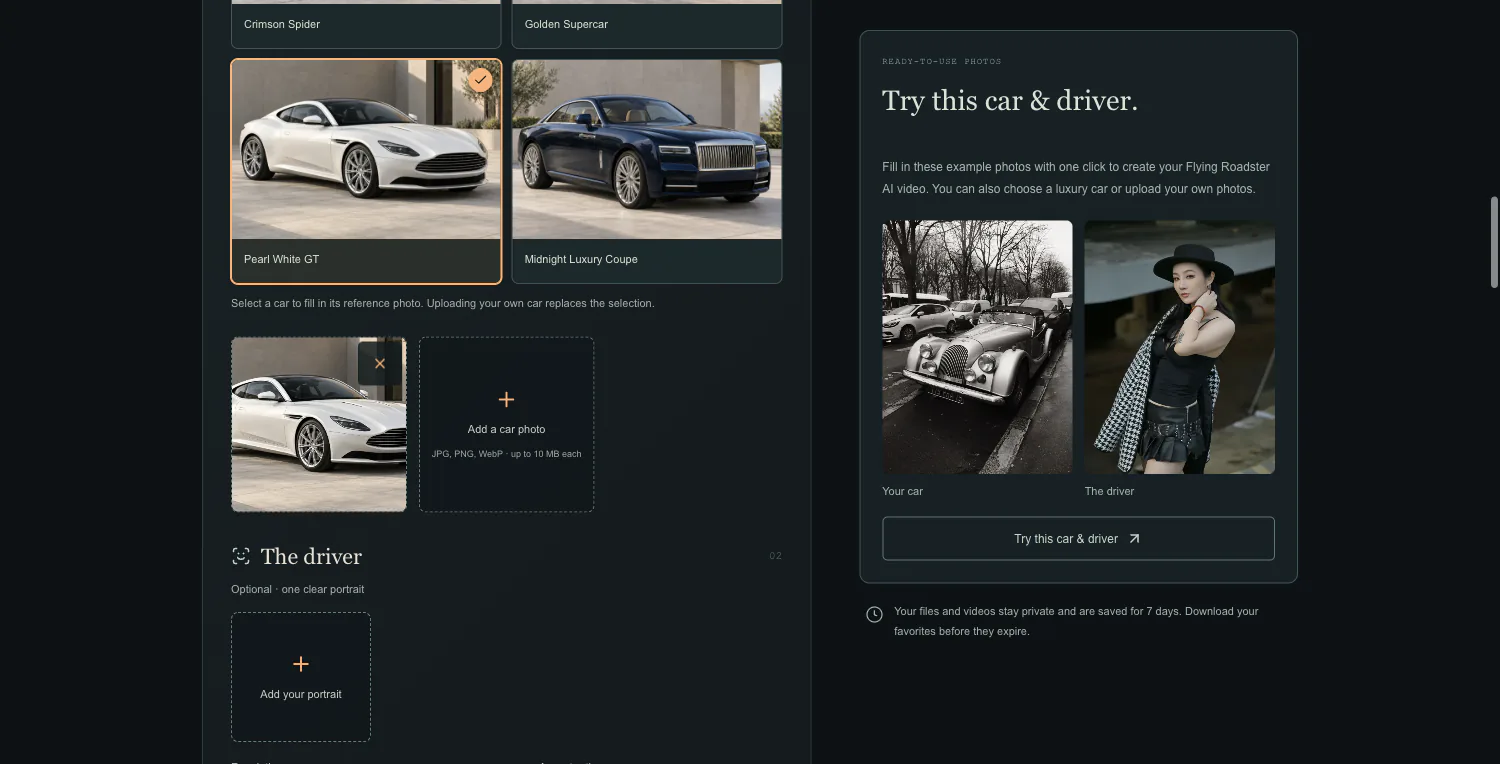
The steps are straightforward:
- Choose one of the luxury car presets, or upload one to three photos of the same car.
- Add one adult portrait if you want a personalized driver.
- Select 480p or 720p and the aspect ratio for your destination.
- Confirm that you have permission to use the photos, then generate the video.
- Check Recent generations when the video is ready and download it before it expires.
Each generation costs 50 credits. One-time packs are $8 for 50 credits, $16 for 100, or $32 for 200; there is no subscription. Your files and video stay private for seven days, and failed generations return the credits automatically.
The same workflow works for a Tesla Roadster or another sports car, sedan, or SUV. A roadster flying car video is a fictional AI scene, not a claim about real vehicle capability. Flying Roadster AI is an independent creative tool and is not affiliated with Tesla, Inc.
A simple plan is enough
Choose the car, decide on one takeoff moment, prepare clear photos, and pick a frame that fits the place you will share it. Those choices give your AI flying car video a clear point of view before generation begins.
For this particular format, try the Flying Roadster AI studio. It turns your car photos and optional portrait into a personalized AI flying car video, including the Tesla flying roadster trend and other roadster flying car ideas.