Sending flowers online does not always have to mean ordering a physical arrangement. Bloomify turns the idea into a small digital creation flow: choose flowers, arrange a bouquet, add a note, and send it as a shareable gesture.
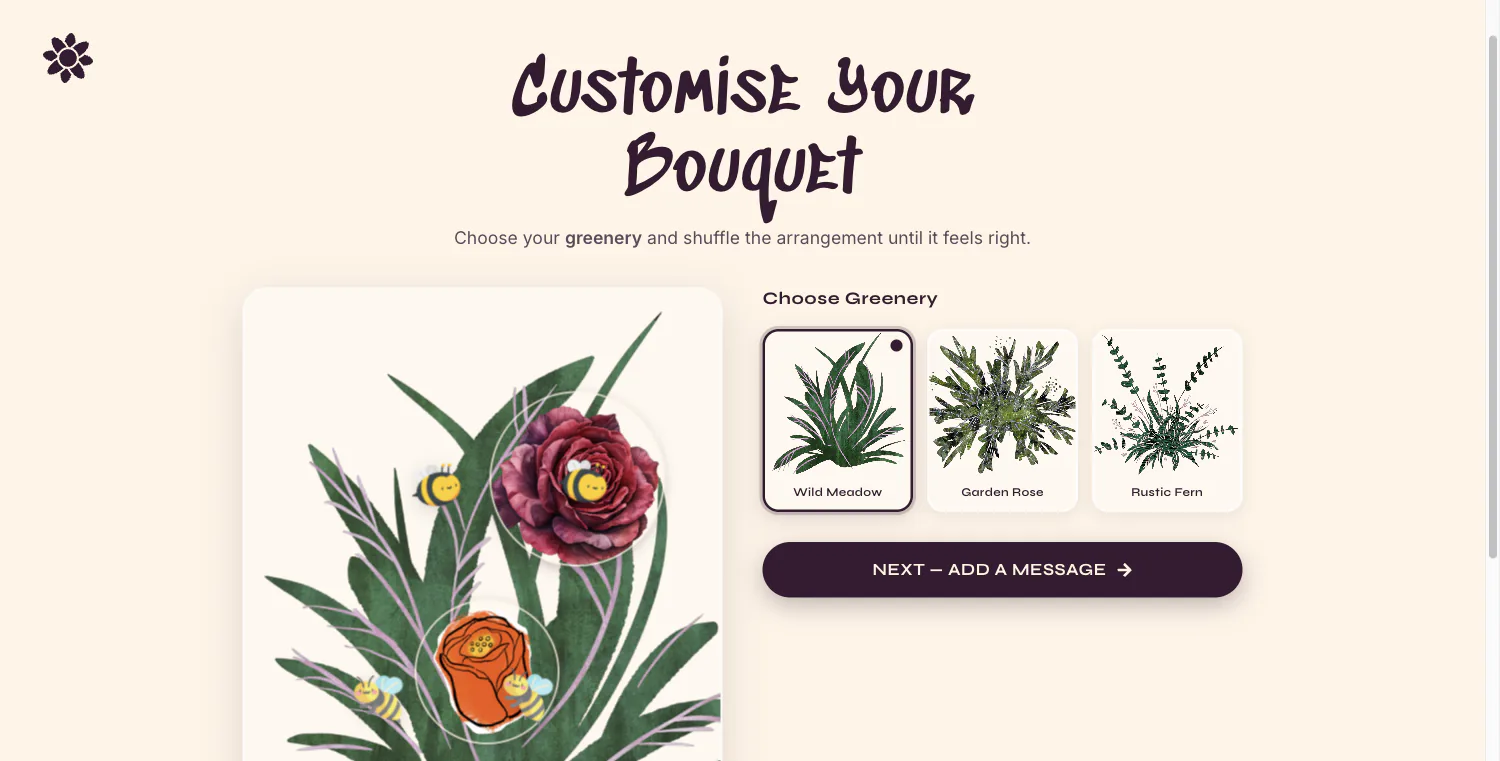
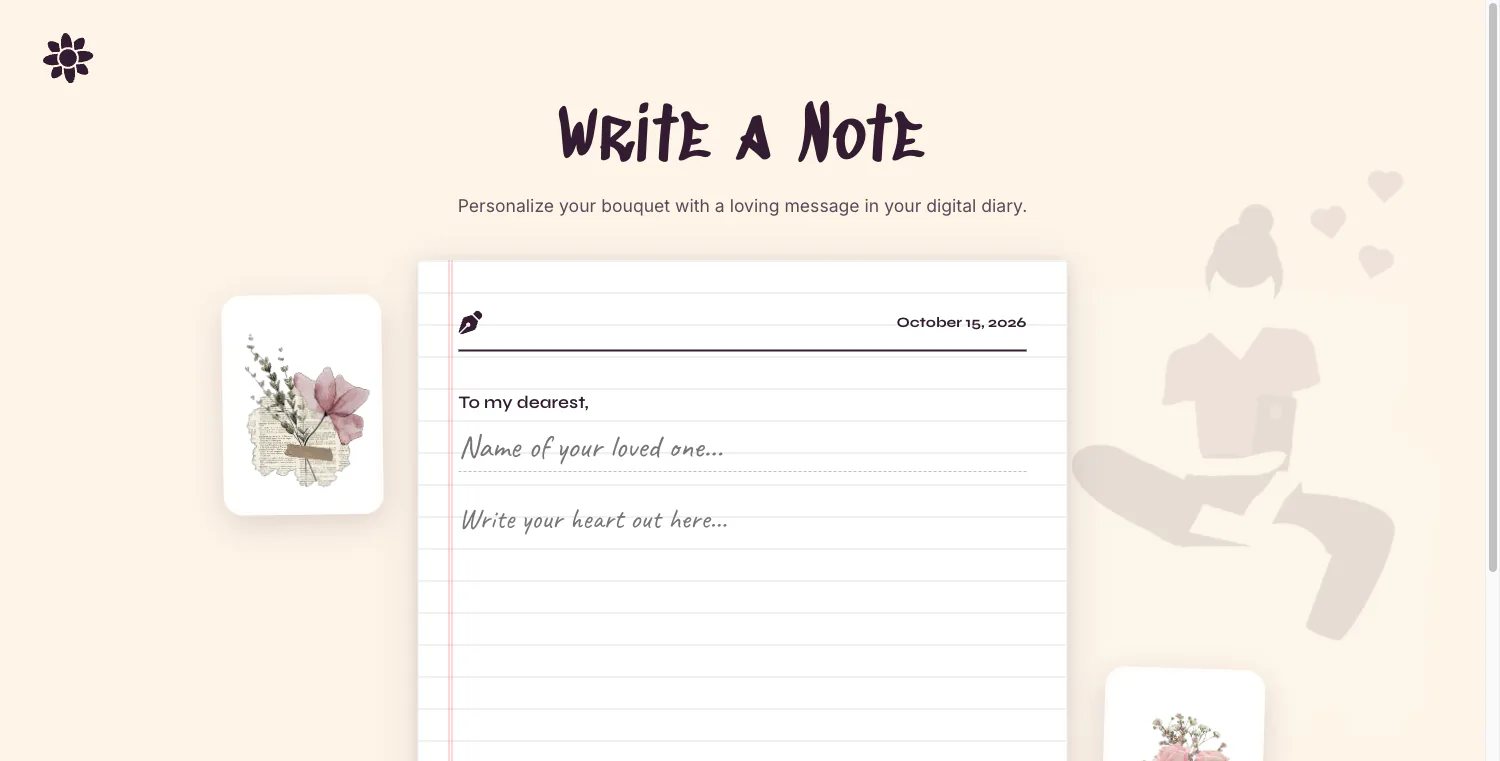
I explored the browser app on October 15, 2026. The builder offers familiar flower choices such as roses, tulips, and sunflowers, with a limit of seven stems. It then lets you add greenery and adjust the bouquet's layout. A later step asks for the recipient's name and a greeting before presenting a send action.
From flower choices to a message
The flow is organized around a clear sequence. First, choose a small set of flowers. The limit of seven stems keeps the arrangement focused, while greenery gives you another way to shape the composition. You can then move the flowers around or shuffle their placement until the bouquet looks balanced.
Once the arrangement is ready, continue to the message step. The form includes fields for the recipient's name and a personal greeting, connecting the visual design to the occasion. That makes Bloomify feel less like a catalog and more like a lightweight digital card: the arrangement and the words are part of the same gift.
What to check before sending
The final send action is the point where the experience becomes a real share. I viewed the form but did not submit it, so I have not verified what kind of link is created, whether the bouquet can be edited later, or what a recipient sees when they open it. Try the flow with a non-sensitive test message if you want to understand the sharing behavior before using it for an important occasion.
The app is designed for a digital gesture, not a florist order. It does not replace delivery, fresh flowers, or the practical details of sending a physical bouquet. Its strength is that it lets you compose an arrangement and note in a browser, which can be useful when you want to send something personal without coordinating a delivery.
Who might enjoy Bloomify?
Bloomify is a good fit for someone who wants to make a quick, visual greeting for a birthday, thank-you, or just-because message. The small flower limit and guided steps keep the task approachable: you do not need to learn a complex editor to arrange a few stems and write a note.
If you want to use it, start with a simple bouquet, adjust the layout, and write the message before sending. Then check the recipient view so you know exactly what the other person will receive.
The short version
Bloomify combines flower selection, arrangement, and a personal note in one short browser flow. It is a digital alternative for expressing a small gesture, with the main open question being how the final share behaves. The creation steps are easy to understand; test the send and recipient experience before relying on it for something important.