Everygen AI is an online creative workspace for making AI videos, images, short-form posts, and advertising concepts. It brings several creative flows and generation models into one browser-based studio.
Creators often move between a script, an image tool, a video generator, and an editor before a short is ready. Everygen AI is designed to put more of those early steps in one place. This guide explains what the site offers, how to approach a first project, and where a human review still matters.
What Everygen AI brings together
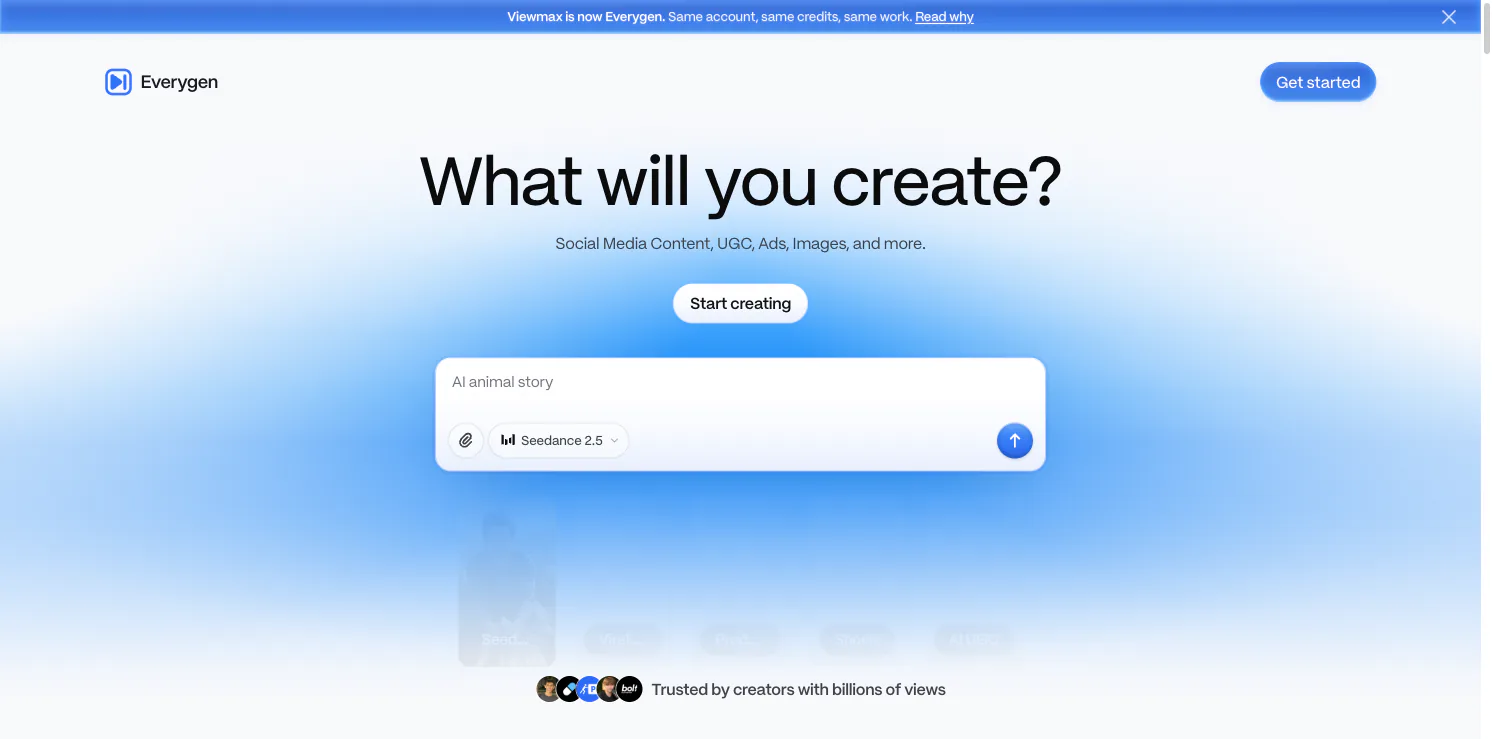
The Everygen AI homepage groups creation around videos, marketing campaigns, and short-form content. Its visible entry points include an AI Video Generator, Marketing Studio, and Shorts Studio. The homepage also highlights prompt-based creation, product shots, viral presets, and AI UGC workflows.
The model list changes over time, but the current site presents options such as Seedance, Kling, MiniMax, Veo, and image-generation models. That model variety matters because a creator can choose a workflow around the task: a cinematic scene, a product visual, or a vertical social clip. The available model, output settings, and account terms can differ, so check them in the studio before planning a deliverable.
Everygen AI also shows examples that help translate a broad idea into a more concrete prompt. A creator can begin with a subject or format, then decide whether the goal is a story, a product demonstration, or an ad concept. The examples are starting points, not guarantees that every result will match a reference exactly.
A simple first workflow
Start by choosing the output you actually need. For a vertical social post, open the short-form workflow. For a campaign concept, use the marketing path. Then describe the subject, setting, motion, and intended audience in a compact prompt.
Generate a first draft and inspect it before adding detail. If the scene is close but the framing is wrong, revise the framing instruction instead of rewriting everything. If the subject changes between shots, simplify the scene or try another model. This small loop—choose, prompt, review, revise—usually gives clearer results than putting every requirement into one long instruction.
Where it can help
Everygen AI can be useful when a small team needs several social concepts, when a creator wants to test a short-video format, or when a marketer needs a rough ad direction before a full production. Its site also presents reusable presets and avatars, which can help keep a series visually consistent.
Treat each generated video as a draft. Review factual claims, product details, voice, captions, and rights to any source material before publishing. A generated image can make a product look different from the real item, and a synthetic person should not be presented as a real customer or spokesperson without proper disclosure and permission.
Is Everygen AI a fit?
Everygen AI is worth exploring if your work begins with ideas, scripts, or visual experiments and you want a browser workspace that combines multiple media tools. It may be less suitable when a project depends on frame-accurate editing, a fixed production pipeline, or guaranteed consistency across many shots; those needs still call for hands-on review and a dedicated editor.
The useful way to judge Everygen AI is to test one small, real task. Choose a short clip you could otherwise make manually, compare the time spent prompting and revising with the time saved, and keep the output only if it meets your production standards. Visit Everygen AI to see the current models and workflows.