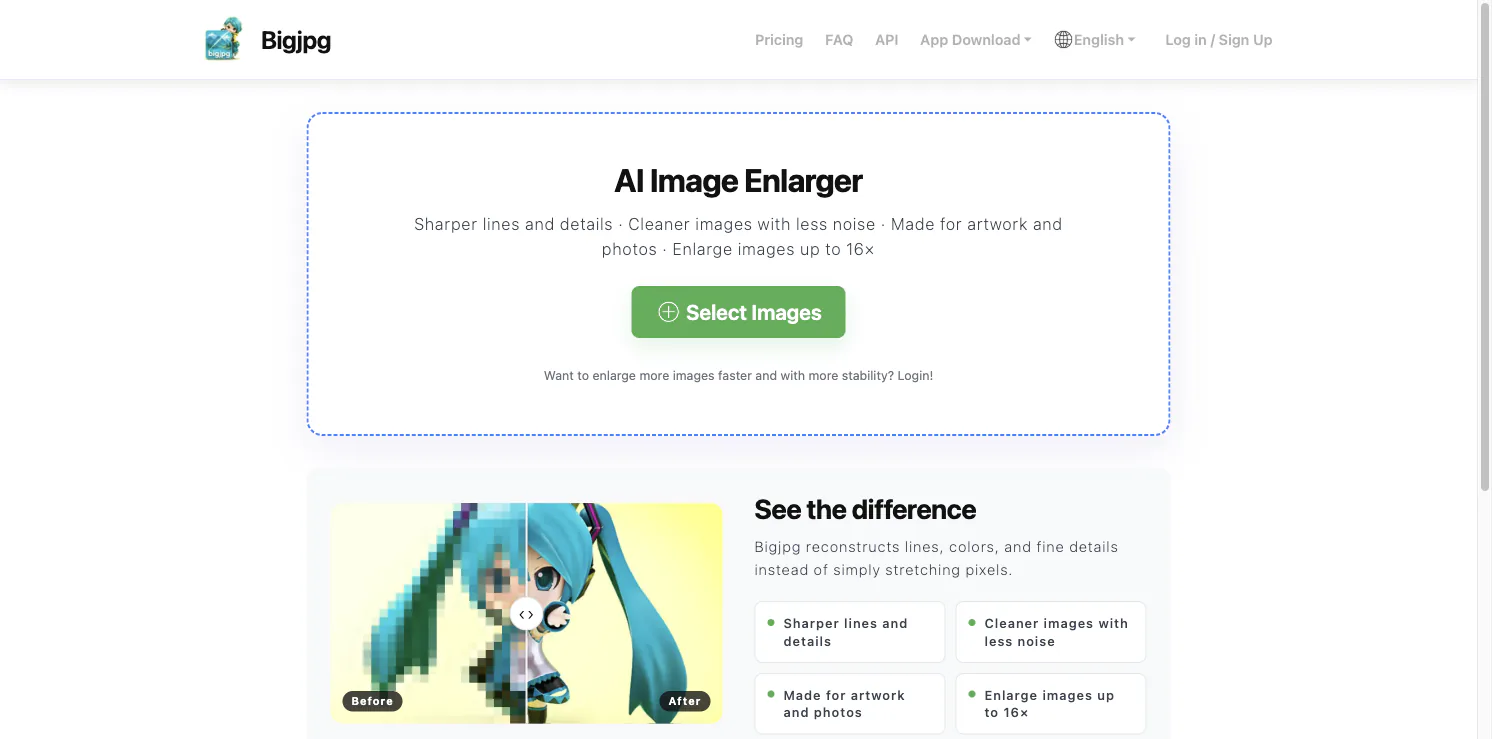
BigJPG is an AI image enlarger for increasing image dimensions while attempting to preserve recognizable lines and details. Its homepage says the service is designed for artwork and photos, reduces visible noise, and can enlarge images up to 16×.
Upscaling is useful when a small image needs to appear larger in a layout, print mockup, or presentation. Simply stretching pixels makes each block larger. BigJPG instead uses an AI-based process to reconstruct some visual detail. That can improve the appearance of an image, but it cannot recover the exact original information that a low-resolution source never contained.
What BigJPG is designed for
The BigJPG homepage highlights illustrations and photographs as its main use cases. Its example comparison shows a pixelated source next to an enlarged result, and the site describes sharper lines, cleaner images with less noise, and enlargement up to 16×. These are the product’s stated goals; the result depends on the input image and the selected settings.
Illustrations often have clear edges and repeated colors, so they can be easier to upscale cleanly than a blurry photograph. Photos contain more irregular texture and fine detail. For either type, compare the result with the original rather than assuming a larger file is automatically a better one.
A simple way to use BigJPG
Choose an image and start with a modest enlargement. Inspect edges, faces, text, and repeating patterns. If a line becomes too smooth or a small feature changes shape, try a different setting or reduce the scale factor. For an image intended for print, check it at its final physical size instead of judging only from a zoomed-in preview.
The service also offers account features for processing more images, and its site links to desktop and mobile apps. The limits and plan details can change, so confirm the current options before preparing a batch. If the source contains private, client, or unreleased material, read the current privacy terms before uploading it.
When BigJPG is useful
BigJPG can be a convenient step when a low-resolution illustration needs a larger working copy or a photo needs a quick enlargement for a draft. It is not a substitute for a high-resolution original, and it may introduce invented details. Avoid using an upscaled image as evidence of details that were not visible in the source.
The practical test is simple: upscale one representative image, compare it at the intended display size, and keep the result only if it looks better for that use. Visit BigJPG to see the current upload and comparison workflow.