A2E AI is an online suite for creating and editing AI images, videos, and avatar content. Its homepage brings together tools such as image-to-video, face and head swaps, talking photos, lip sync, voice cloning, and text-to-image generation.
When a video task involves more than a prompt—perhaps a presenter, a voice track, or a still image that needs movement—it helps to have the steps in one place. A2E AI is built around that kind of mixed workflow. This article walks through the main tool groups and a practical way to evaluate them.
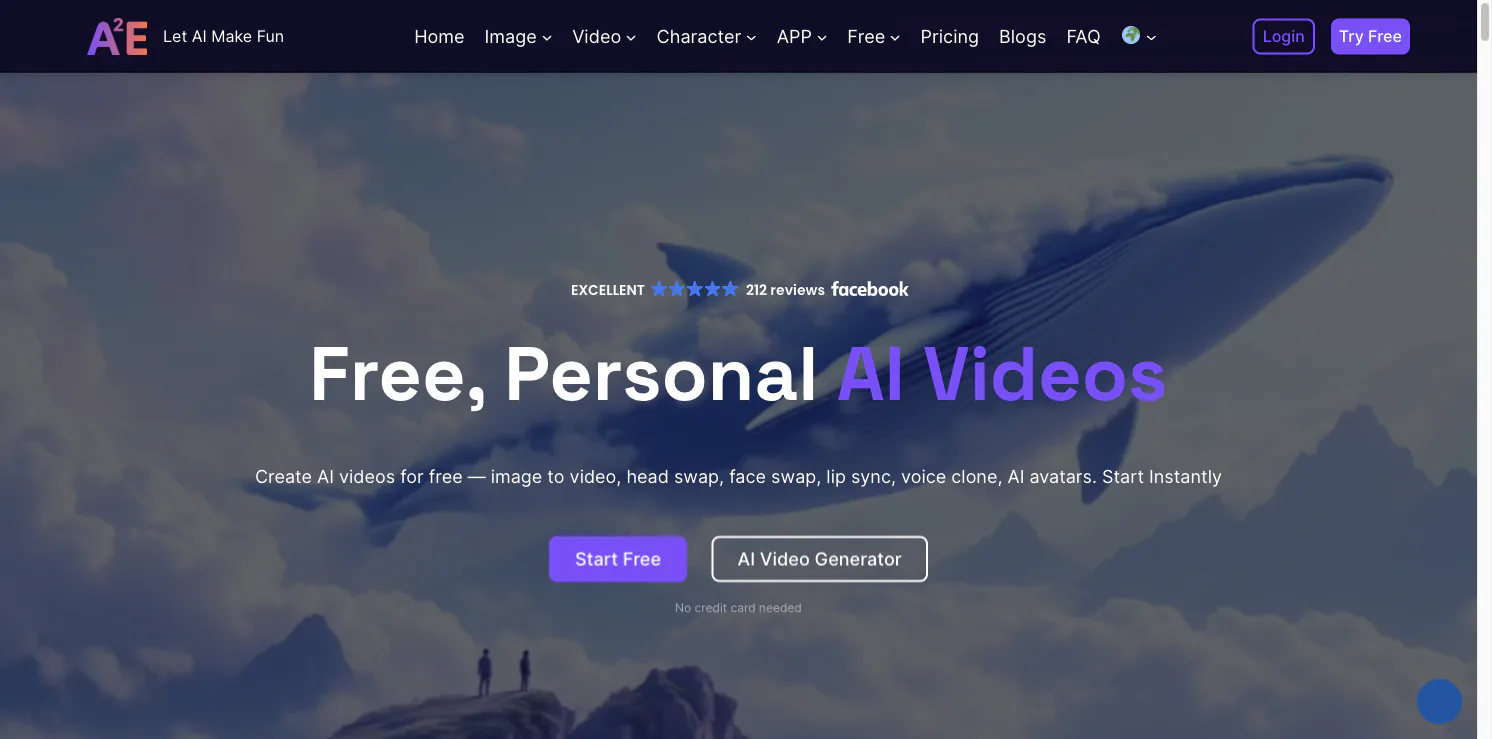
A2E AI’s main tool groups
The public site describes A2E AI as a personal AI video toolset. Image-to-video turns a still image into a moving clip. Talking Photo and Talking Video focus on presenting speech with synchronized mouth movement. The site also lists text-to-image, video-to-audio, actor animation, product avatars, and clothing changes.
Another group centers on digital avatars. A creator can prepare a presenter-style video from text or audio, then choose an avatar and adjust options such as layout, background, aspect ratio, and captions. The exact controls depend on the workflow and account. A2E AI also offers API and MCP-oriented paths for developers who want to connect avatar or video generation to another application.
The homepage currently promotes newer image and video models alongside these utilities. Since model names and availability can change, check the live interface when choosing a workflow. The site advertises a free start without a credit card, while paid plans and usage terms should be reviewed on its pricing page.
A practical way to try it
Begin with one clear source asset and one outcome. For example, decide whether you need a still image animated, a short presenter clip, or a translated voice track. Choose the matching tool, upload only material you have permission to use, and keep the first request simple.
Review the first result for face stability, mouth movement, voice quality, and background errors. If a talking image looks unnatural, try a better-lit, front-facing source image or a shorter script. If you are making a product video, check that generated details still match the real product before using the clip in an ad.
Who may find A2E AI useful?
A2E AI may suit social creators, educators, and small marketing teams that need presenter videos or quick visual drafts without arranging a camera shoot for every revision. Its API and MCP options also make it relevant to developers testing an avatar feature inside a product.
AI likeness tools need extra care. Use a face or voice only with the person’s authorization, and disclose synthetic media where viewers might mistake it for authentic footage. A2E AI can shorten production steps, but it cannot decide whether the message is accurate, appropriate, or legally cleared.
In short, A2E AI is a collection of connected generation tools rather than one single video effect. Pick a narrow task, compare a few outputs, and confirm the current cost and usage rules before scaling the workflow. Explore A2E AI to see the current tool list.