An MCP server gives an AI application a standard way to discover and call external tools, read resources, or use prompt templates. It is the part of a Model Context Protocol integration that exposes a capability to a client.
Think of a server as a small adapter around one system: a file store, database, issue tracker, or local utility. The model does not connect to each system in its own custom format; the host application connects through an MCP client.
The three roles
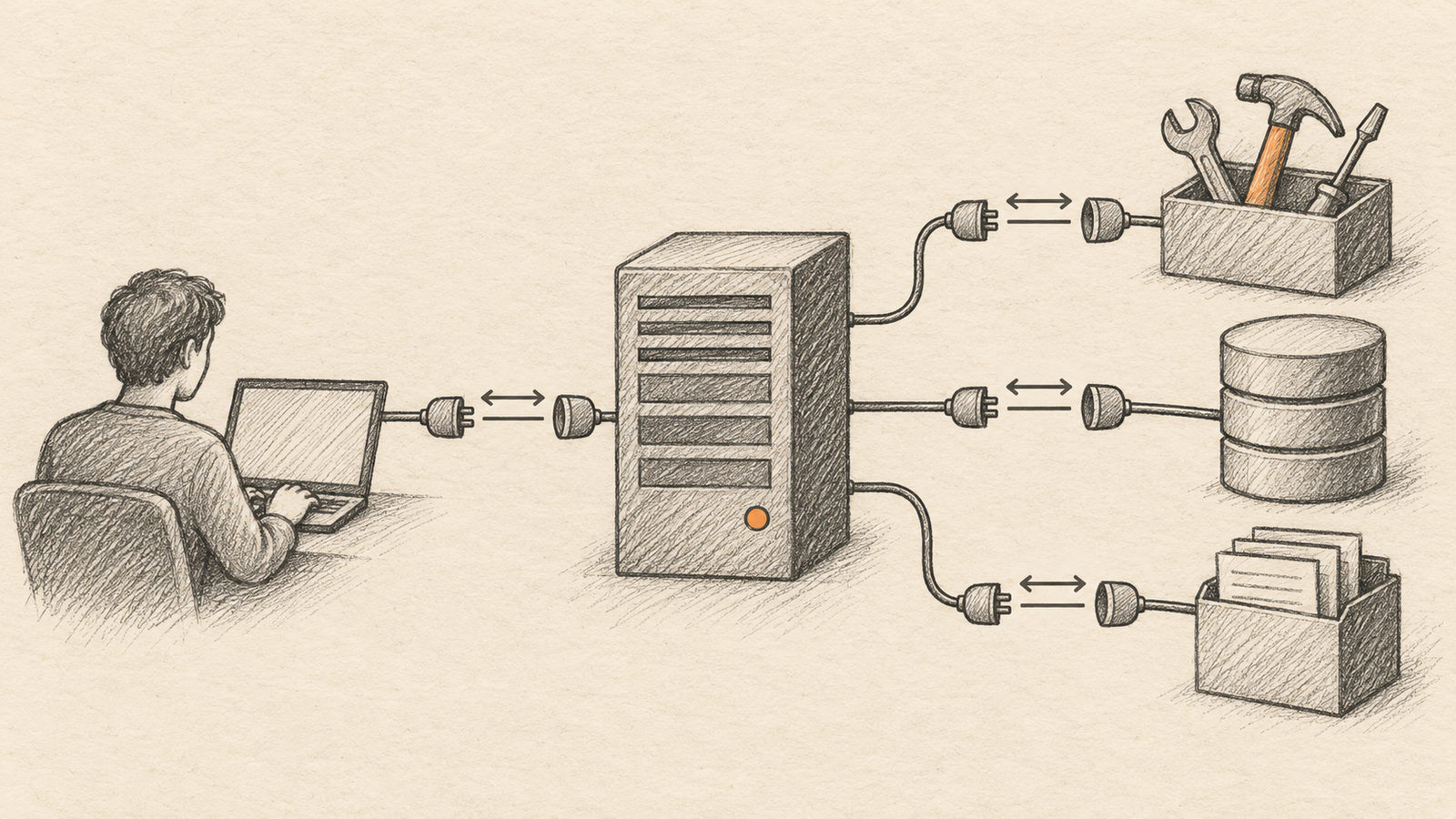
An MCP host is the AI application a person uses. It manages the conversation and decides which servers are available. An MCP client inside that host speaks the protocol. An MCP server advertises capabilities and handles requests for them.
Servers can expose tools that perform actions, resources that provide data, and prompt templates that help structure a task. A weather server might expose a forecast tool; a repository server might expose files or search. The host can then present these capabilities to the model in a consistent way.
What happens during a tool call
The client first connects to the server and learns which capabilities it provides. The host can make that information available to the model. If the model chooses a tool, the client sends the request to the server, receives a result, and returns it to the conversation.
The server does not make a model trustworthy by itself. It defines what the model can ask the connected system to do. A tool that writes files or sends messages needs clear permissions, input validation, and a way for people to inspect consequential actions.
Build the smallest useful server
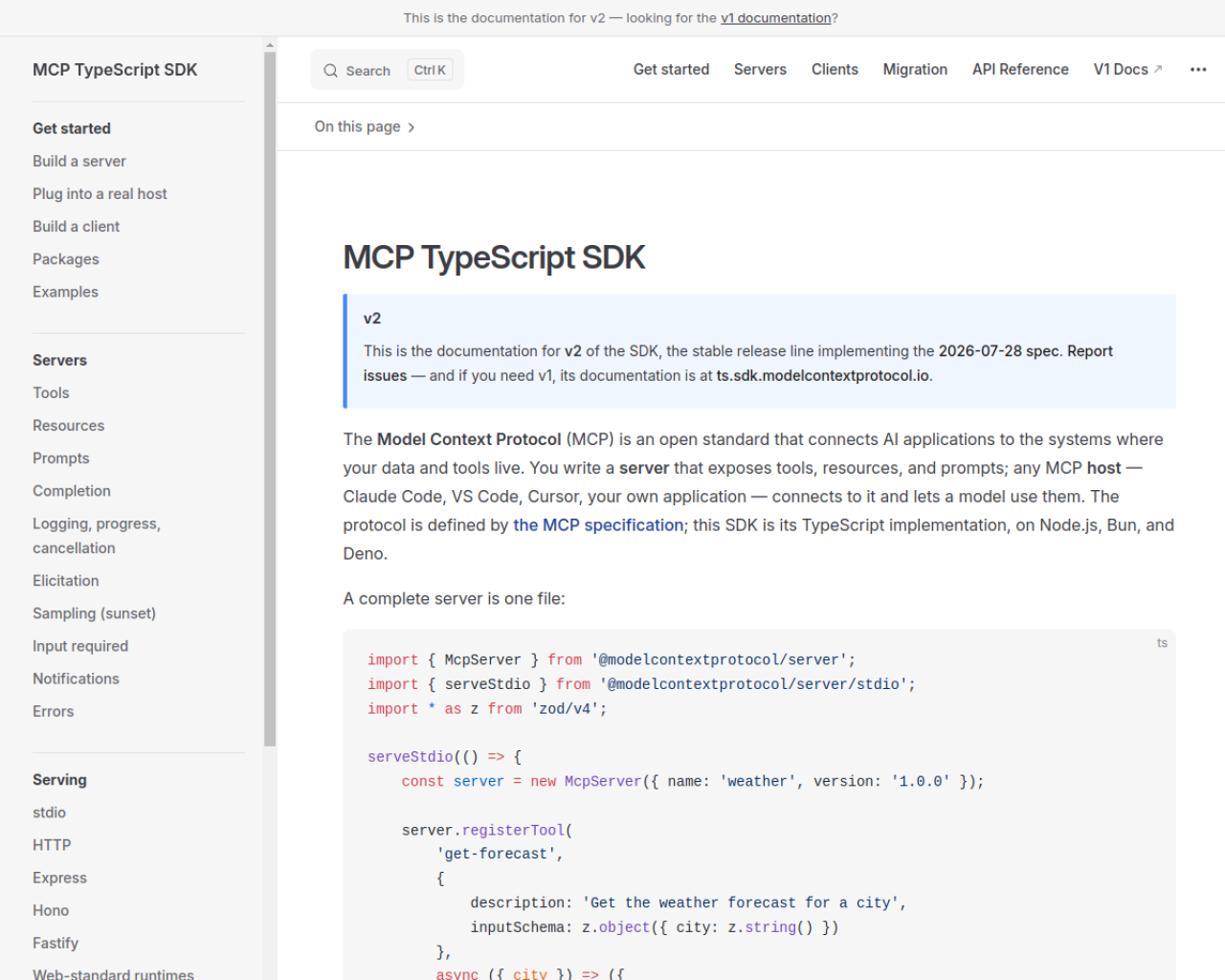
The official TypeScript SDK provides a server API for exposing tools, resources, and prompts. Begin with one read-only tool, test its input validation, then add actions only when you have a clear permission boundary.
```bash npm install @modelcontextprotocol/server ```
This installs the current server package documented by the MCP TypeScript SDK. Transport setup depends on whether the server runs locally over standard input/output or remotely over HTTP.
Security belongs in the design
Treat an MCP server like an API boundary. Give it only the credentials and data it needs. Validate tool arguments, keep secrets out of model-visible output, and require confirmation before destructive or external actions.
MCP is useful because it standardizes the connection between AI hosts and tools. The server remains responsible for the safety and correctness of the system it exposes.
Sources: MCP TypeScript SDK server guide and current SDK documentation.