Universal Modder: A Practical Guide to AI Game Modding
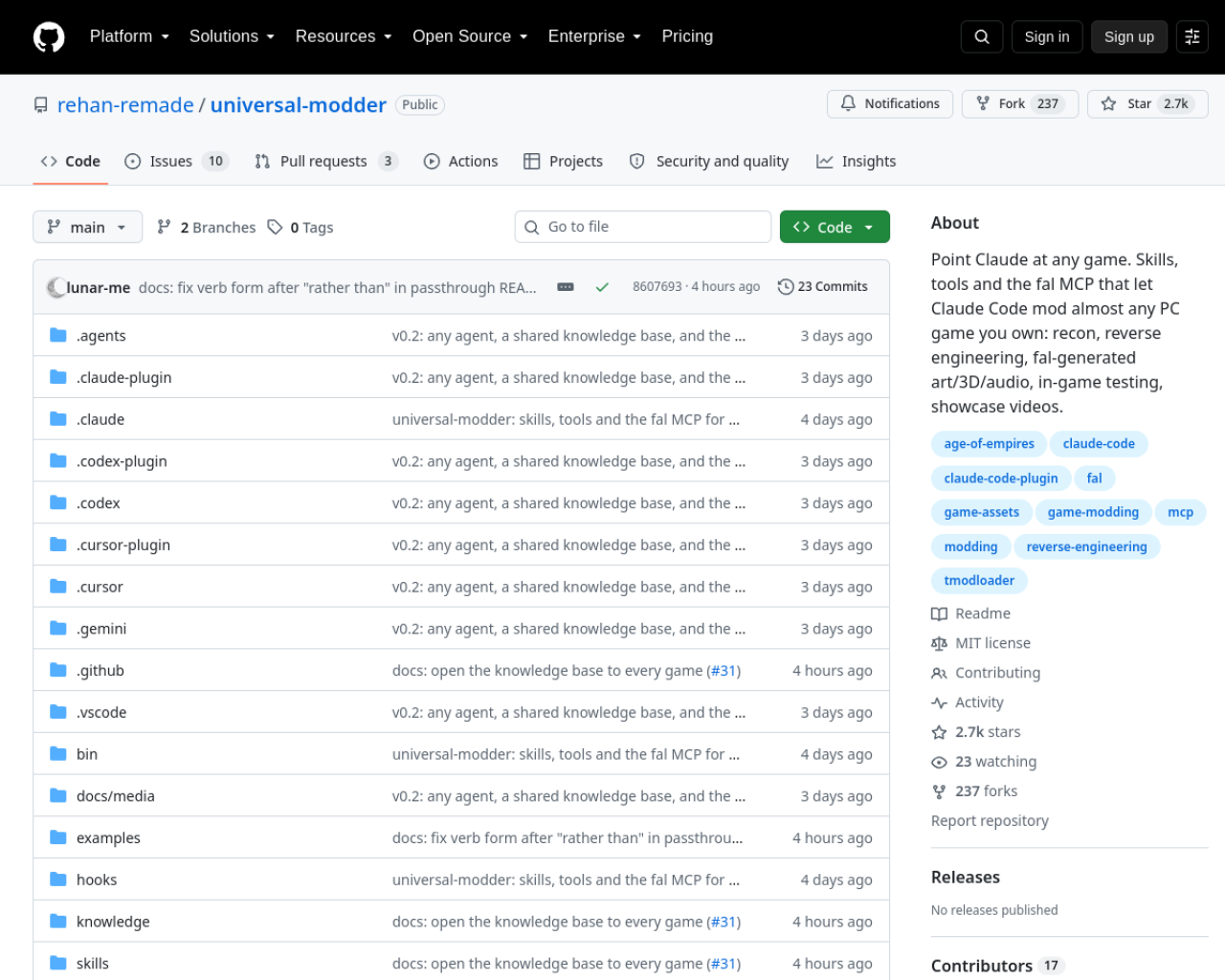
Universal Modder is an open-source toolkit that helps AI coding agents research, build, and test mods for PC games. It bundles game-specific skills, a command-line toolkit called um, a fal MCP server for asset generation, and a shared knowledge base of modding notes.
Game modding can be like repairing a machine without a manual: first you need to identify the parts, find a safe way in, and learn what earlier repairs have taught. Universal Modder gives an agent a repeatable way to do that work.
This guide shows how to install Universal Modder, inspect a game, plan a small mod, protect your saves, and verify the result. It uses Codex CLI for the main example; the repository also documents Claude Code, Gemini CLI, Cursor, and other agents.
What Universal Modder provides
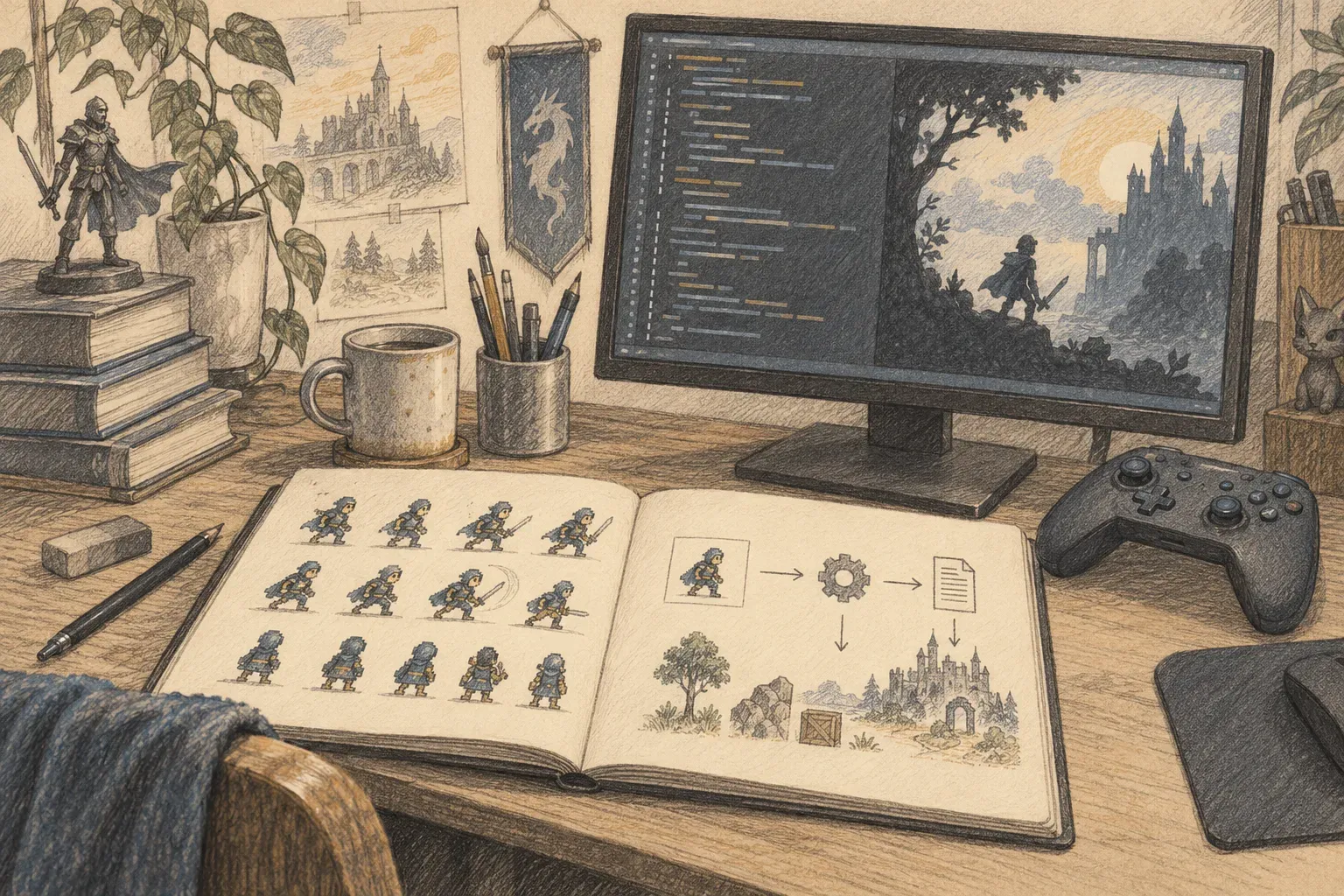
The toolkit is a set of instructions and tools for an AI coding agent. The agent can look for an installed game, identify its engine and version, search for an existing modding route, inspect relevant code, and help build a mod. It can also prepare art, run the game, capture evidence, and write a reusable field note.
The um command-line interface covers common jobs such as scanning game installs, searching prior knowledge, preparing art, backing up saves, controlling a Windows game, and checking a mod before release. The exact route depends on the game. A supported community loader may be the best route for one title; another may require a deeper investigation.
1. Install it for your coding agent
For Codex CLI, open a terminal and run the two commands listed in the repository README:
codex plugin marketplace add rehan-remade/universal-modder
codex plugin add universal-modder@universal-modder
The README also lists the Claude Code plugin commands, a Gemini CLI extension install, a VS Code / Copilot flow, and a skills-only install for compatible agents. Choose the route for the agent you actually use. Plugin installs include the toolkit and its agent skills; if you only need the CLI outside an agent plugin, the project documents installing um with uv tool.
Universal Modder requires Python 3.10 or newer and ffmpeg. The project recommends uv. Blender is needed for 3D-to-sprite rendering. Asset generation through fal is optional; if you use it, create a fal API key and keep it in your local environment:
export FAL_KEY="your-fal-api-key"
Do not paste the key into a chat or commit it to a mod. You can skip fal setup when your first mod does not need generated assets.
2. Scan the game and search for prior work
Start with reconnaissance. Scanning is like checking a workshop before choosing a tool: it helps the agent learn which game and engine it is dealing with before it proposes a modding route.
um scan --list
um scan "Terraria"
um kb search "Terraria"
um scan --list looks for installed games. Scanning a title can report details such as its engine, version, anti-cheat status, save locations, and known routes. um kb search checks the project’s shared knowledge base for notes about that game. Substitute the game you own for Terraria.
Ask the agent to explain what it found before it edits anything. For example:
I own [game] and want a single-player, offline mod that [specific change].
First inspect the game and search existing field notes. Do not modify files yet.
Tell me the game version, engine, relevant modding route, save location,
and a safe first feature to build. Flag any anti-cheat or compatibility concerns.
A concrete first feature is easier to test than a large wish list. “Add one craftable tool with a simple sprite” gives the agent a smaller target than “redesign the whole game.”
3. Back up saves and make a small first slice
Before a change can touch saves, make a backup and use a separate test profile or world when the game supports one. Universal Modder includes save snapshot, diff, and restore commands. Check the installed command syntax before using them:
um backup --help
um backup create --help
Then ask the agent for a plan that names the files it expects to change and how you will verify the feature. Review the plan before letting it edit the game or install a loader. Keep the first build small: one item, one enemy, or one visual change. A working slice reveals whether the chosen engine route is right before you invest in more content.
If the mod needs new art, sound, or 3D assets, the fal MCP server and um fal commands can help. The project also includes sprite preparation tools for fitting frames, building sheets, and adjusting palettes. Generated output still needs to match the game’s size, viewpoint, and file format; inspect it in the target game instead of assuming it is ready to ship.
4. Test in the real game
A successful build is not proof that a mod works. Launch the game through its supported route and check the feature in play. Look for crashes, incorrect dimensions, broken animations, save problems, and unexpected interactions with other mods. Use a disposable save until the result is stable.
For Windows titles, Universal Modder provides commands for screenshots, recording, and controlled input. Read the relevant help before using them. The project says the agent must ask before driving your mouse or keyboard, installing a loader into a game folder, or publishing a mod. You can also test manually and keep screenshots or logs as evidence.
When the feature works, run the documented publishing check before sharing the package:
um publish check --help
The check is designed to catch material that should not ship, including game files, decompiled code, and leaked keys. Share your own mod code, assets you created, and converters; do not include retail game files or dumps of decompiled code.
Keep the safety boundary clear
Universal Modder is intended for games you own and for offline, single-player modding. Its stated rules prohibit injecting into online games with anti-cheat, writing multiplayer cheats, or bypassing anti-cheat, DRM, or ownership checks. Use the game’s supported community tools and respect its terms.
The backup is important because a mod can damage a save even when its code compiles. A separate copy gives you a way back while you test. Keep API keys and private game data out of shared notes and public packages.
A useful first session
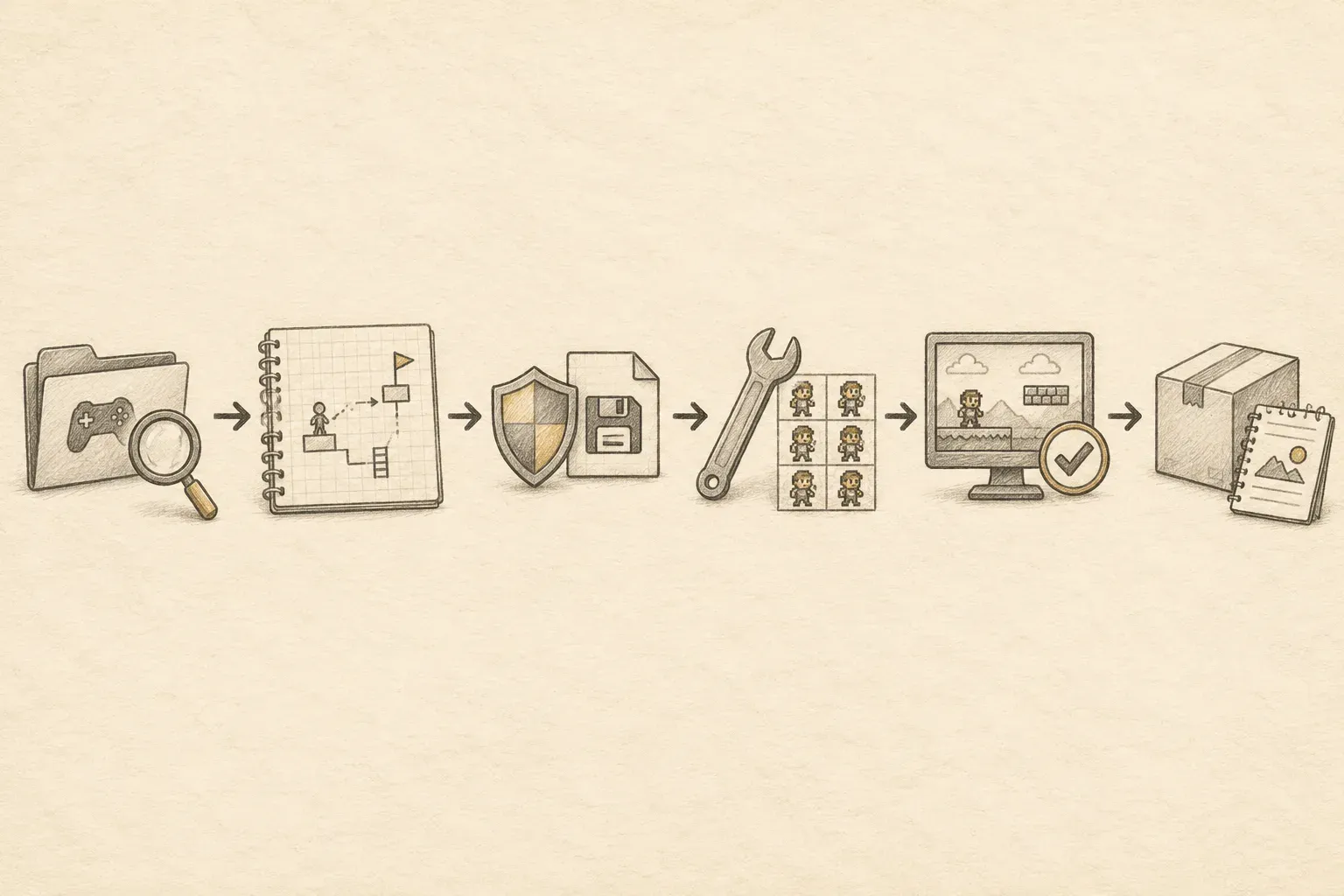
A good first session follows a simple loop: install the plugin, scan one game, search the knowledge base, ask for a plan, back up a test save, build one small feature, and verify it inside the game. If the result teaches you something that another modder could reuse, Universal Modder’s knowledge-base tools can help turn that discovery into a field note.
Universal Modder does not remove the need to understand the game or review the code. It gives an AI agent a more organized route through reconnaissance, implementation, asset work, and testing. Start with a game you own and a small offline change, then expand only after the first slice works.