An image model is more useful when it can both create a new picture and revise an existing one. Qwen-Image-2.1 brings text-to-image generation and image editing together, with native support for transparent images.
Qwen's announcement describes a 7-billion-parameter visual generation component, support for up to 10 reference images, and editing controls intended to preserve people and products. This guide explains the main capabilities and gives a practical way to try them.
One model, two common jobs
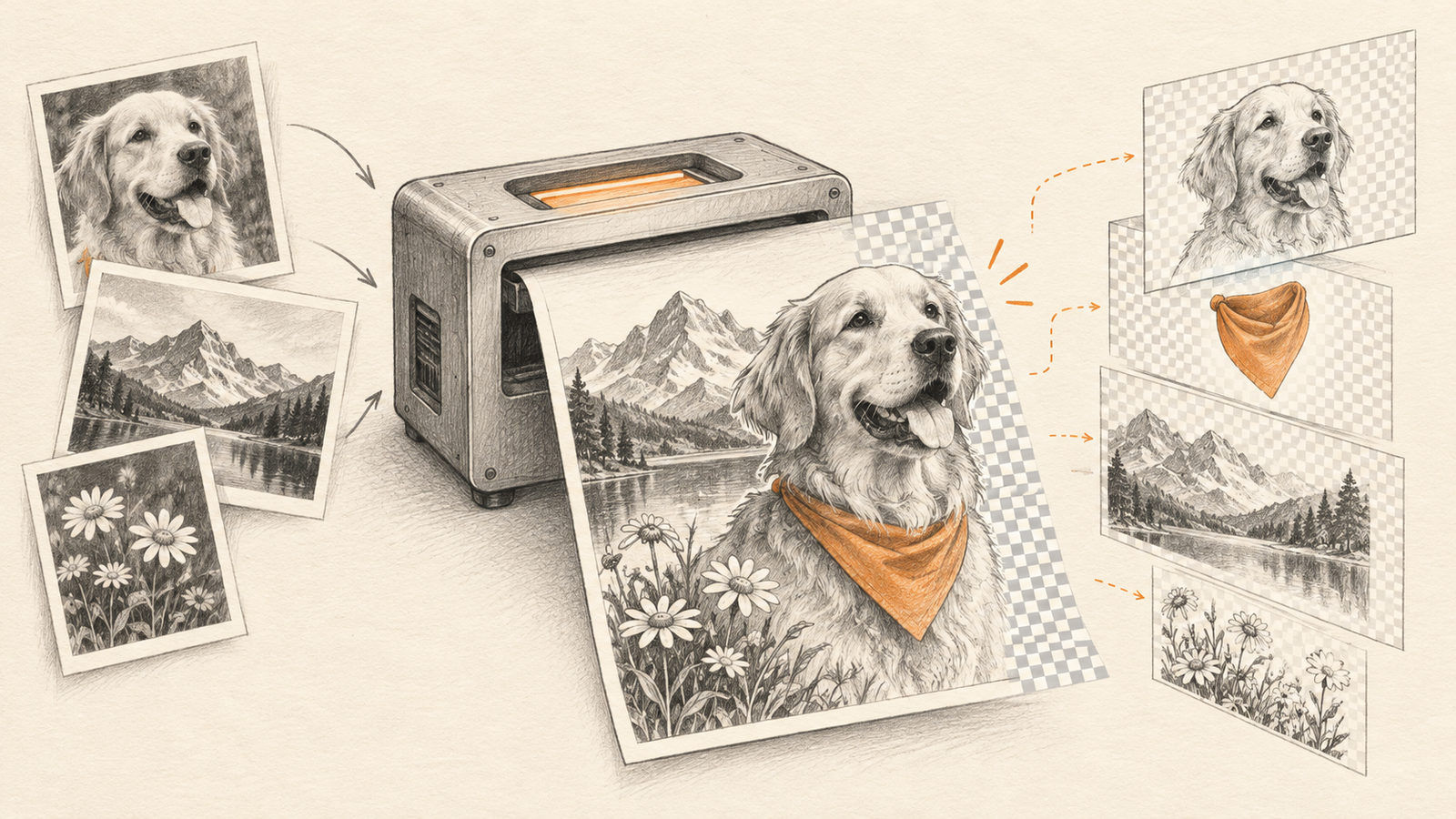
Text-to-image starts with a description and produces a new image. Image editing starts with an existing image and changes selected properties while trying to keep the rest stable. A unified model can reduce the need to switch tools between those jobs.
The Qwen release highlights transparent output, local edits, and multiple reference images. Up to 10 references can provide examples of people, products, clothing, or a room layout. The model can then use those references as context for a new composition.
A simple prompt workflow
Begin with one clear task. For example, ask for a product image with a specific background while stating which product details must remain unchanged. Add only the references that help explain those requirements.
When editing, describe both the requested change and what should stay fixed. Compare the output with the input at full size, especially around faces, text, and product edges. If an edit changes too much, simplify the instruction or reduce the number of references.
Try it in a browser
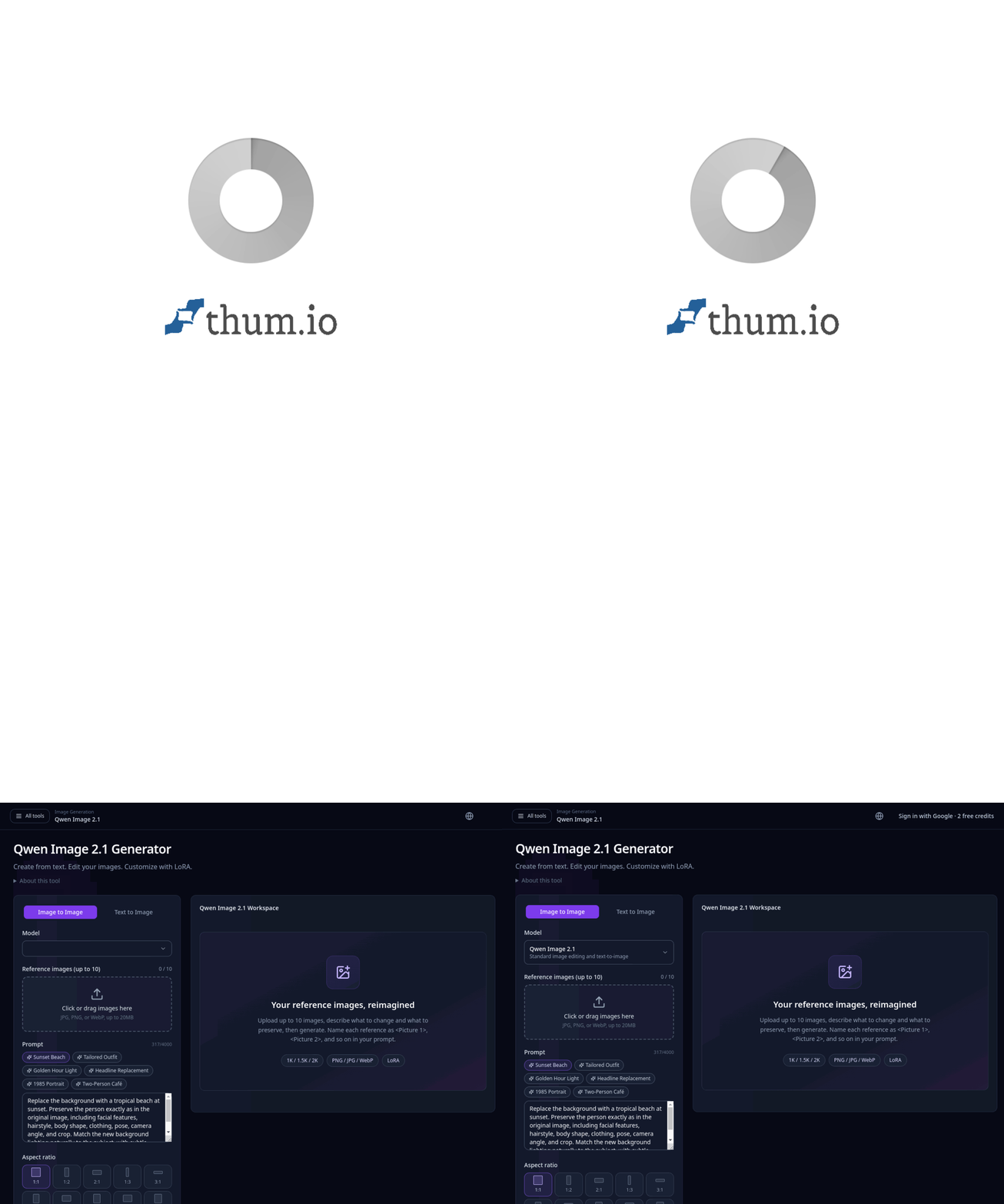
The Qwen Image 2.1 Generator on ImageLayered offers text-to-image, image editing, optional LoRA controls, reference uploads, and selectable output sizes. It is a convenient interface for trying the model without setting up a local pipeline. This is a third-party tool page, not the official Qwen model release page.
Qwen's own release page remains the source for model details. The ImageLayered page explains its browser controls and available workflow. Check both before relying on a particular output size, credit cost, or model variant, because hosted interfaces can change independently of model weights.
What to check in the result
Look for reference fidelity, unintended changes, transparency edges, and text quality. Generated words may still need correction in a design tool. For repeatable work, save the prompt, input references, model variant, and output settings alongside the image.
Qwen-Image-2.1 is best understood as a combined generation-and-editing model. Its reference and transparency features are most useful when the job is specific enough to describe and the result can be reviewed before publication.
Sources: Qwen's Qwen-Image-2.1 announcement and ImageLayered generator.