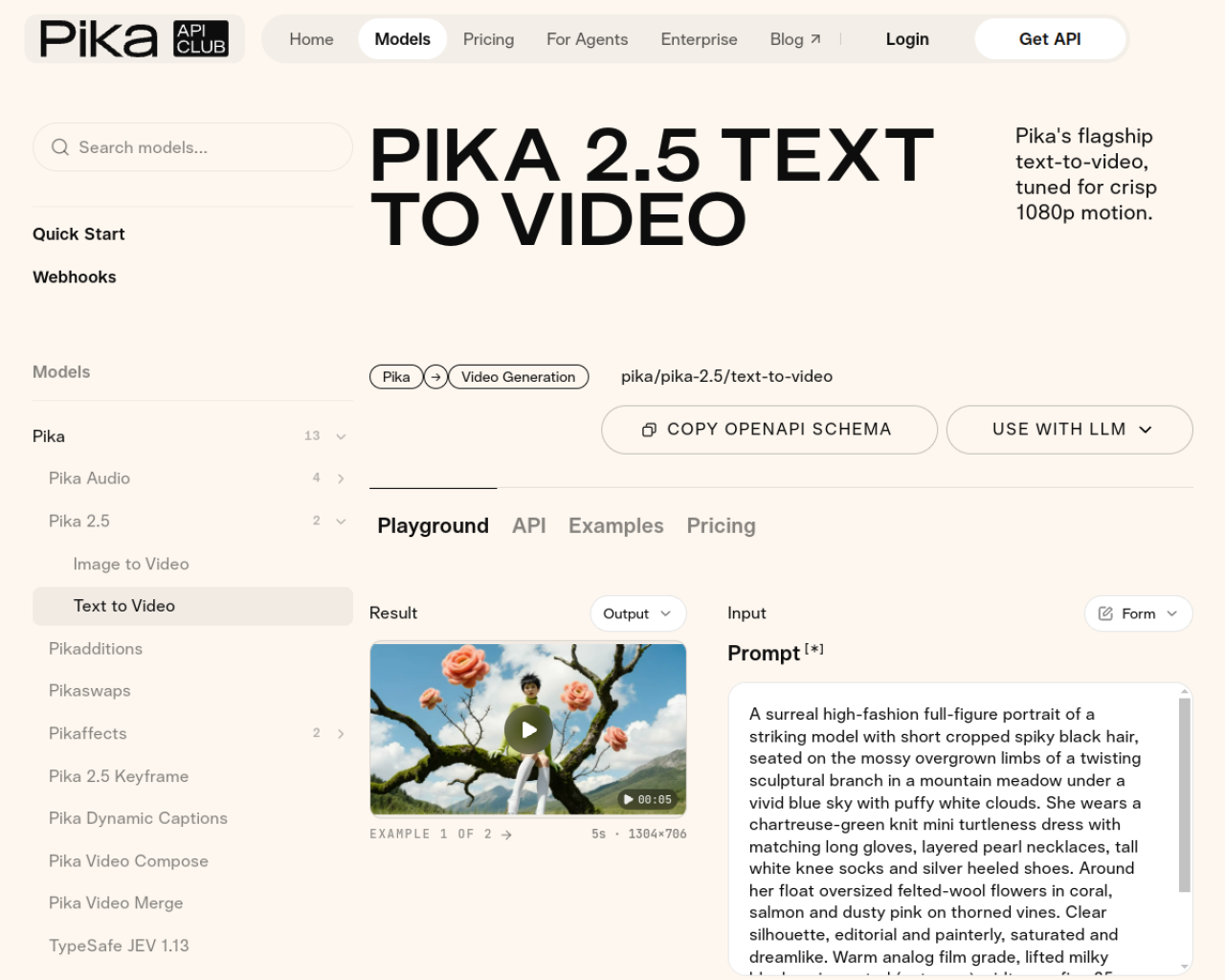
Pika 2.5 is a hosted video-generation model for turning prompts or visual references into short clips. Pika's documentation also describes a keyframe workflow that animates between a small set of ordered images.
This guide explains when to use text-to-video, when to use keyframes, and what to inspect before using a generated clip in a campaign.
Start with a short shot
Text-to-video is a good first test when the goal is a single scene: a subject, a setting, and one clear movement. Keep the prompt focused on what changes over time. Avoid asking for several cuts, precise text, or many independent actions in one short clip.
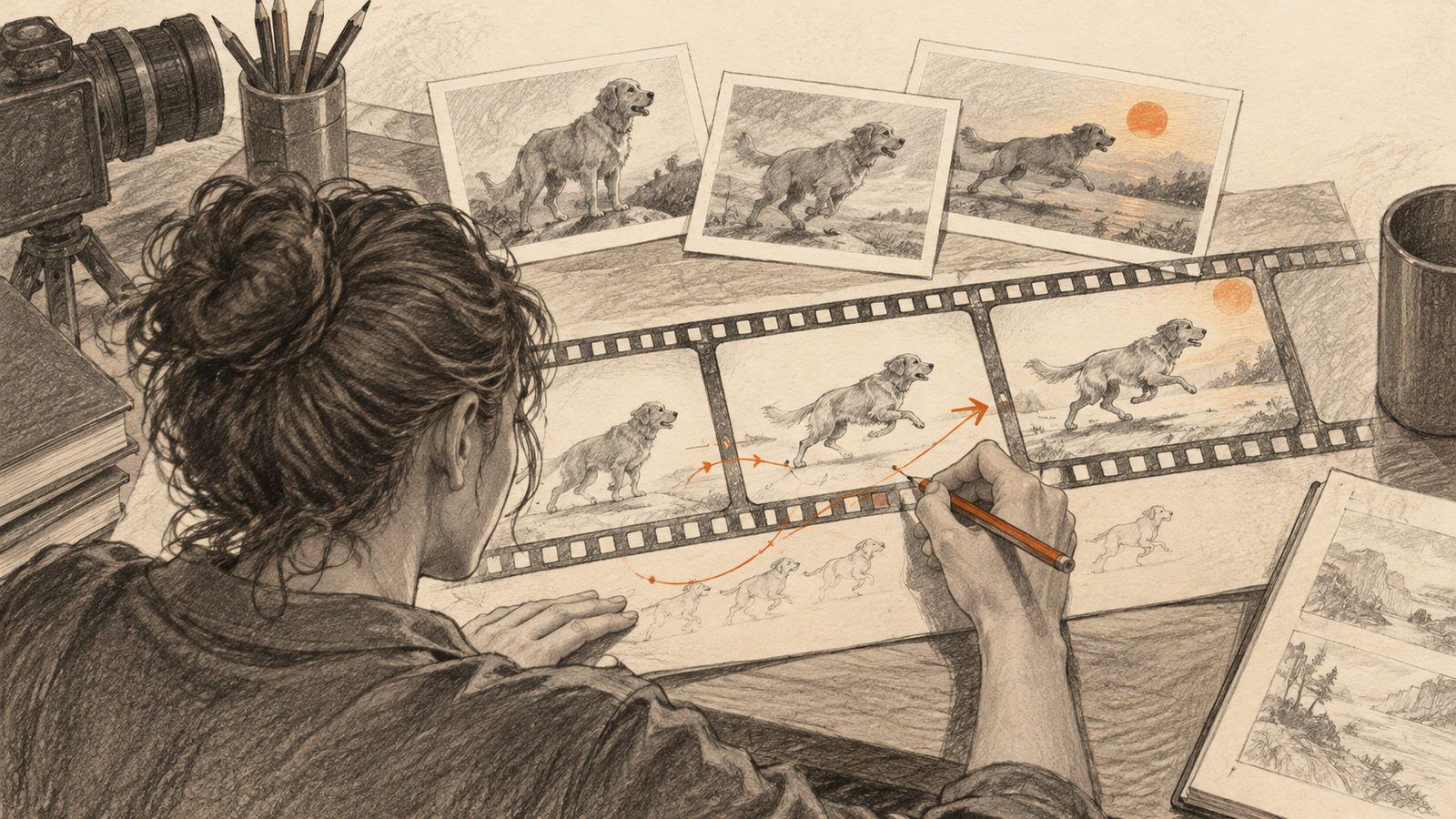
For more control over the beginning and ending, Pika's keyframe model accepts two to five ordered images. It generates transitions between consecutive frames and applies a motion prompt across those transitions.
Use keyframes when continuity matters
Choose images that share the same subject and visual style. Large differences between keyframes can make the transition harder to interpret. A prompt such as “the camera slowly moves closer as the person turns toward the window” describes motion more clearly than a list of static visual adjectives.
Pika's API documentation identifies short social and advertising shots, multi-shot sequences, and style exploration as good fits. It also lists limits: the workflow is not meant for frame-exact rotoscoping, feature-length output, pixel-perfect compositing, or precise on-screen text.
Review before exporting
Check faces, hands, logos, and object edges through the entire clip. Watch whether motion remains smooth between keyframes and whether the final frame lands where you intended. Generate several short drafts rather than trying to repair a long clip after the fact.
Pika is a hosted service, so available models, settings, and prices can change. Check the current playground or API documentation before building a production workflow around a particular parameter.
Pika 2.5 works best as a shot-making tool: define the visual anchors, ask for one coherent motion, then inspect every frame that will be shown.
Sources: Pika 2.5 text-to-video playground and Pika 2.5 Keyframe documentation.