PhotoCraft is an open-source image editor written in Rust. The project describes itself as a clean-room implementation of Photoshop-style workflows, with layers, masks, adjustment tools, vector shapes, text, and PSD support.
That description is a useful starting point, but it should not be read as a promise of complete compatibility with every Photoshop document. This guide looks at what the project says it can do and how to evaluate it safely.
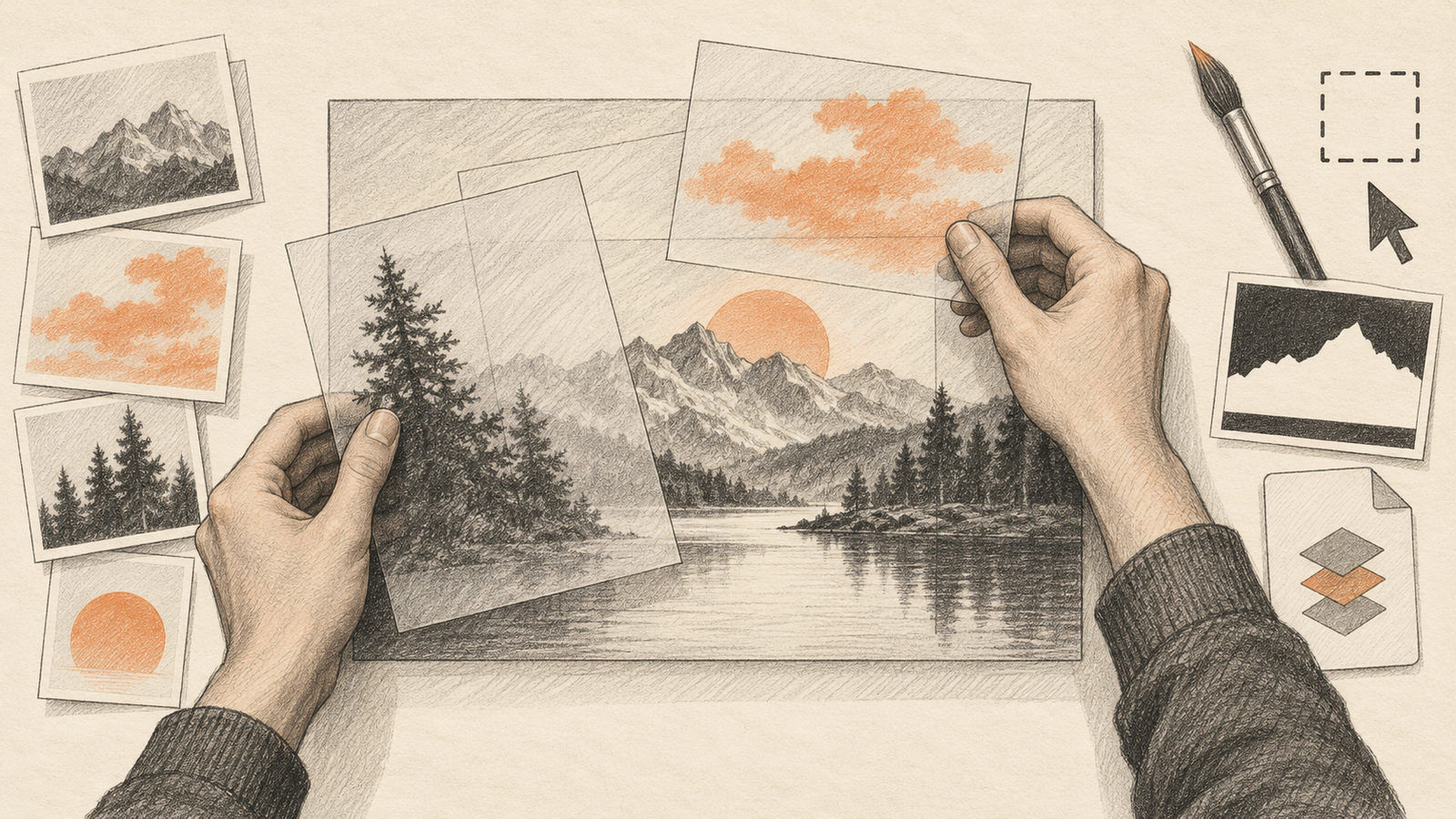
Why a native editor matters
Many image-editing tasks are local: opening a photo, adjusting color, masking an area, or preparing a composition. A native desktop editor can keep that work on the machine and make it easier to automate with scripts.
PhotoCraft's repository lists editable adjustment layers, masks, selections, text layers, vector shapes, filters, and an interface designed to expose operations through commands. It also provides a command-line workflow for batch operations and an MCP interface for agent-driven work.
PSD compatibility needs a careful test
The project reports tests against public PSD corpora and describes how it preserves features it does not yet model. That is encouraging, but a compatibility claim should always be tested against the files you actually use. PSD documents can contain effects, embedded assets, color profiles, and application-specific metadata.
Before moving a client or production workflow, open copies of representative files, compare the rendered result, make a small edit, save to a new file, then reopen it in the original application. Keep untouched originals until the round trip is reliable.
A gradual way to try it
Start with a public-domain image or a copy of a non-critical project. Test common operations first: layers, masks, type, and export. Then check complex features such as blend modes, adjustment effects, or linked content.
If you need automation, use the repository's documented CLI examples and keep the action list under version control. That makes a batch edit repeatable and easier to review.
PhotoCraft is worth watching for people interested in open-source graphics tools and local automation. It should be evaluated as an active project whose feature coverage is still evolving, not assumed to be a drop-in replacement for every existing editor.
Sources: PhotoCraft on GitHub.