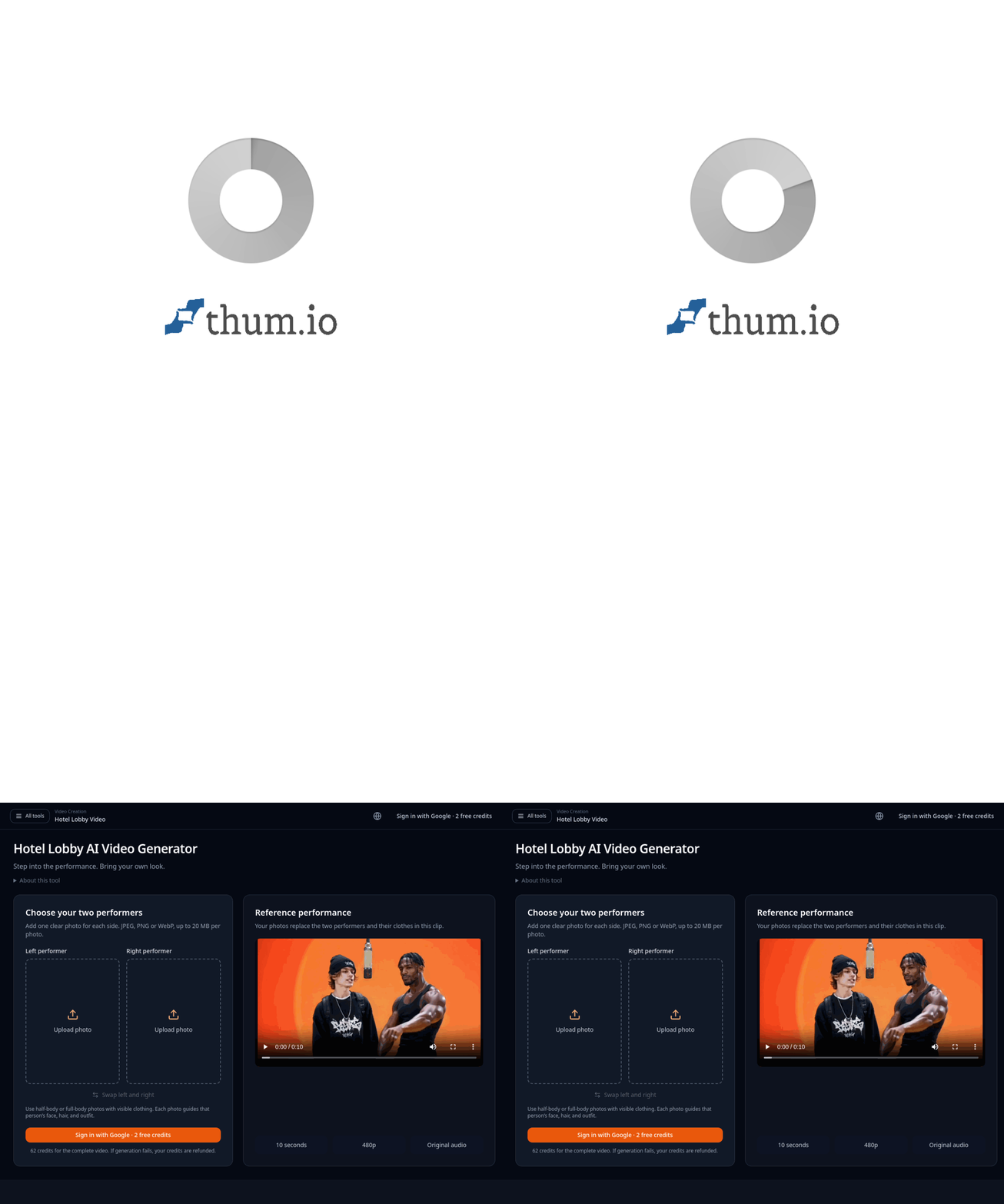
The Hotel Lobby AI Video Generator turns two portrait photos into a short, personalized version of a fixed performance clip. One photo maps to the left performer and the other to the right.
That makes it different from an open-ended text-to-video prompt. The scene, choreography, timing, and audio are already supplied by a reference performance; the tool focuses on replacing the people and their visible outfits.
This article separates what the product page documents from what can only be inferred about the underlying model.
The documented workflow
The product page describes three steps: upload one photo for each performer, generate the personalized clip, then preview and download the MP4. The left and right uploads map to the corresponding performers. The reference performance is listed as a 10-second, 480p clip with its original audio.
The page says the tool preserves the reference choreography and performance timing while using each photo to guide identity and wardrobe. It recommends clear faces and visible outfits, because those are the visual signals the system needs to transfer.
A likely pipeline, with an important caveat
The public page does not name the model or provider. It also does not publish a technical architecture. So it would be misleading to claim that this tool uses a particular video model.
From the documented behavior, a plausible implementation has several stages: prepare each subject from the supplied photo, align the subjects to two roles in a fixed motion template, generate or transform the frames while maintaining identity, then preserve or remux the reference audio. This is an engineering inference from the interface and output description, not a confirmed description of the product's internals.
The fixed performance is a useful constraint. It reduces the amount of motion the model must invent and makes the two-person mapping easier to control. The trade-off is that the result is a variation on one supplied performance, not a newly choreographed scene.
Try the tool
The Hotel Lobby AI Video Generator is a browser-based way to try this specific two-photo workflow. Use photos you have permission to use, and review the whole clip for identity drift, clothing artifacts, or unexpected changes before sharing it.
What to evaluate
Check whether each person stays on the correct side, whether faces remain recognizable across motion, whether clothing follows the references, and whether the original audio stays synchronized. A clean still frame is not enough; identity errors often appear only during movement.
The key idea is that a fixed reference performance can make a personalized video easier to generate, but the product page does not disclose which model produces it. For now, evaluate the visible output rather than guessing at the backend.
Sources: Hotel Lobby AI Video Generator.