Digibouquet – Official Website, What It Is & How to Use
Digibouquet Official Website
Digibouquet is a free web app for building and sharing a digital flower bouquet — a handmade-feeling gift you assemble in the browser and send as a link.
- Official app: https://digibouquet.vercel.app/
- Creator: @pau_wee_ (independent developer)
- Price: Free
- Login required: No
- Platform: Web (Vercel hosting)
- Main use: Creating and sending digital flower bouquets
- Last checked: September 23, 2026
We are not the official developer of Digibouquet. This page helps users find, understand, and use the product.
What Is Digibouquet?
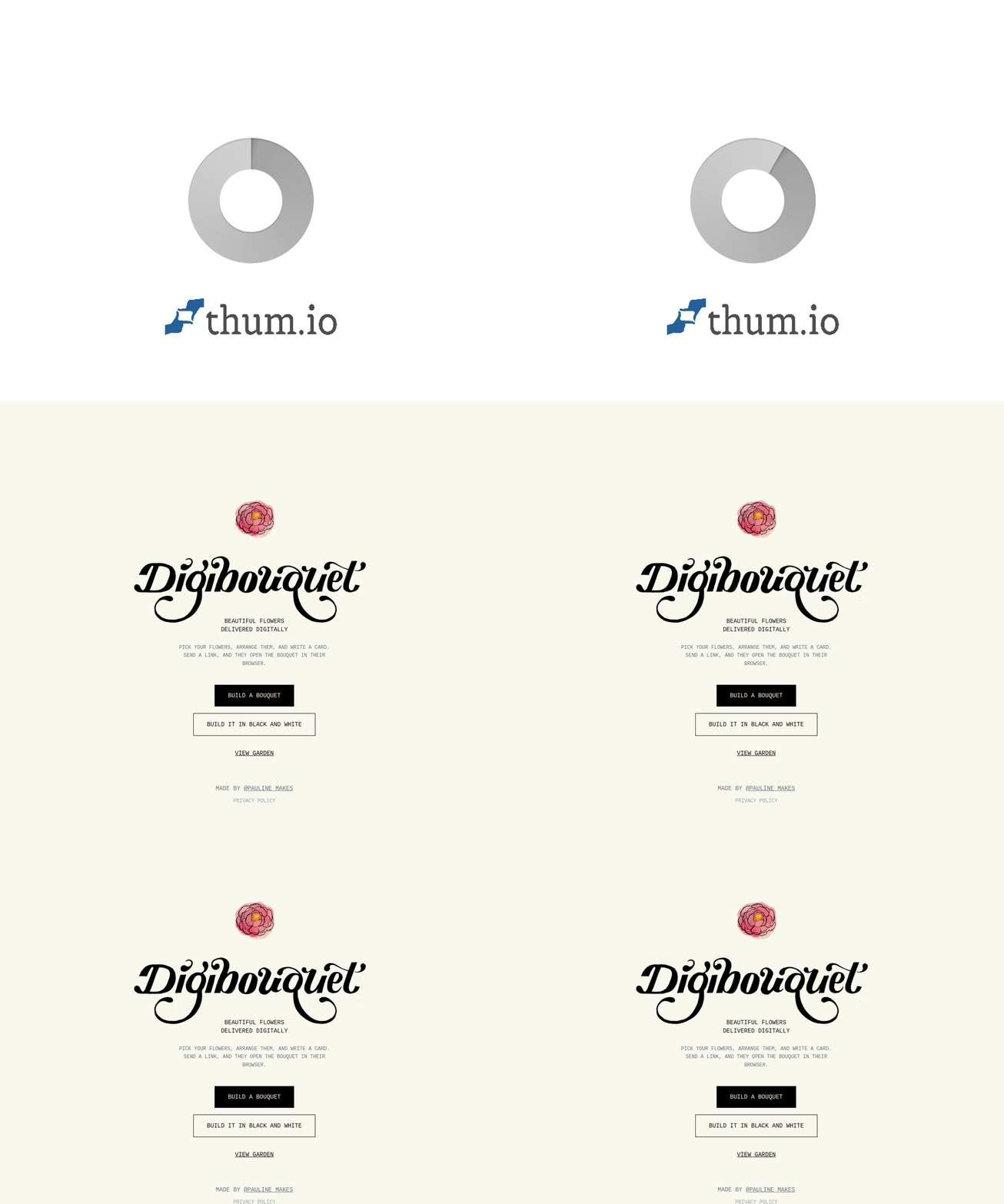
Digibouquet's tagline is "beautiful flowers, delivered digitally." It's a web app that lets you compose a bouquet — choosing flower types (the site's preview shows an anemone/peony-style bloom), arranging them, and styling the result — and then send it to someone as a link. Beyond the standard colorful mode, the homepage highlights a distinctive creative option: "Build it in black and white," a monochrome mode that turns the bouquet into something elegant and print-like rather than candy-colored. There's also a View Garden section, a small gallery dimension that gives the project a community feel rather than being a pure utility.
It's part of the same indie gift-web genre as mixtape makers and hidden-message pages: thirty seconds of effort, sent as a URL, and instantly personal. The developer is credited directly on the page (@pau_wee_), which fits the handcrafted vibe of the whole thing.
How to Use Digibouquet
- Open the official Digibouquet website.
- Choose your mode: Build a Bouquet (full color) or Build it in Black and White for the monochrome look.
- Pick and arrange your flowers to compose the bouquet you want.
- Review the finished bouquet.
- Share the link with your recipient — optionally browse View Garden first to see what others have made.
Is Digibouquet Safe?
Very low-risk profile: no account or sign-up, no payment flow, no file uploads, and no obvious ad or redirect layers. It's a lightweight creative app on Vercel's standard app domain with a publicly credited creator. The only realistic downsides are impermanence (free-tier web apps can go offline without notice, so screenshot anything you'd be sad to lose) and the usual rule that a shared link is only as private as the person you sent it to.
Why Is Digibouquet Popular?
Digital flowers solve a real problem: wanting to send a gesture that's warmer than a text but cheaper (and faster) than a flower delivery — long-distance friends, birthdays you remembered at midnight, or just-because moments. The black-and-white mode gives it an aesthetic identity beyond generic clip-art bouquets.
Digibouquet appears to be gaining attention through direct sharing and word-of-mouth, although there is no clear public source showing where the trend originated.
Digibouquet Not Working?
- Refresh the page and let the app's assets load.
- Try another browser or an incognito window.
- Temporarily disable content blockers, which sometimes strip the image assets the builder needs.
- Check whether the Vercel deployment is still live (a 404 means the app moved or paused).
- Try again later if the developer is shipping updates.
Digibouquet Alternatives
- Mixtape for You — the same gift-link spirit in mixtape form, for music-inspired recipients.
- Gacha Message — wrap your sentiment in a pull-to-reveal gacha capsule.
- A real flower delivery service — when the gesture needs to arrive in physical form.
Frequently Asked Questions
What is the official Digibouquet website?
The official website is https://digibouquet.vercel.app/.
Is Digibouquet free?
Yes — free to use, with no payment prompts.
Do I need an account to use Digibouquet?
No — you can build and share immediately.
Who created Digibouquet?
An independent developer credited on the site as @pau_wee_.
Is Digibouquet still available?
Yes — as of September 23, 2026 the site loads with its bouquet builder, black-and-white mode, and garden view intact.