DeepSeek Harness: A First Look at a Plugin-Based Agent Runtime
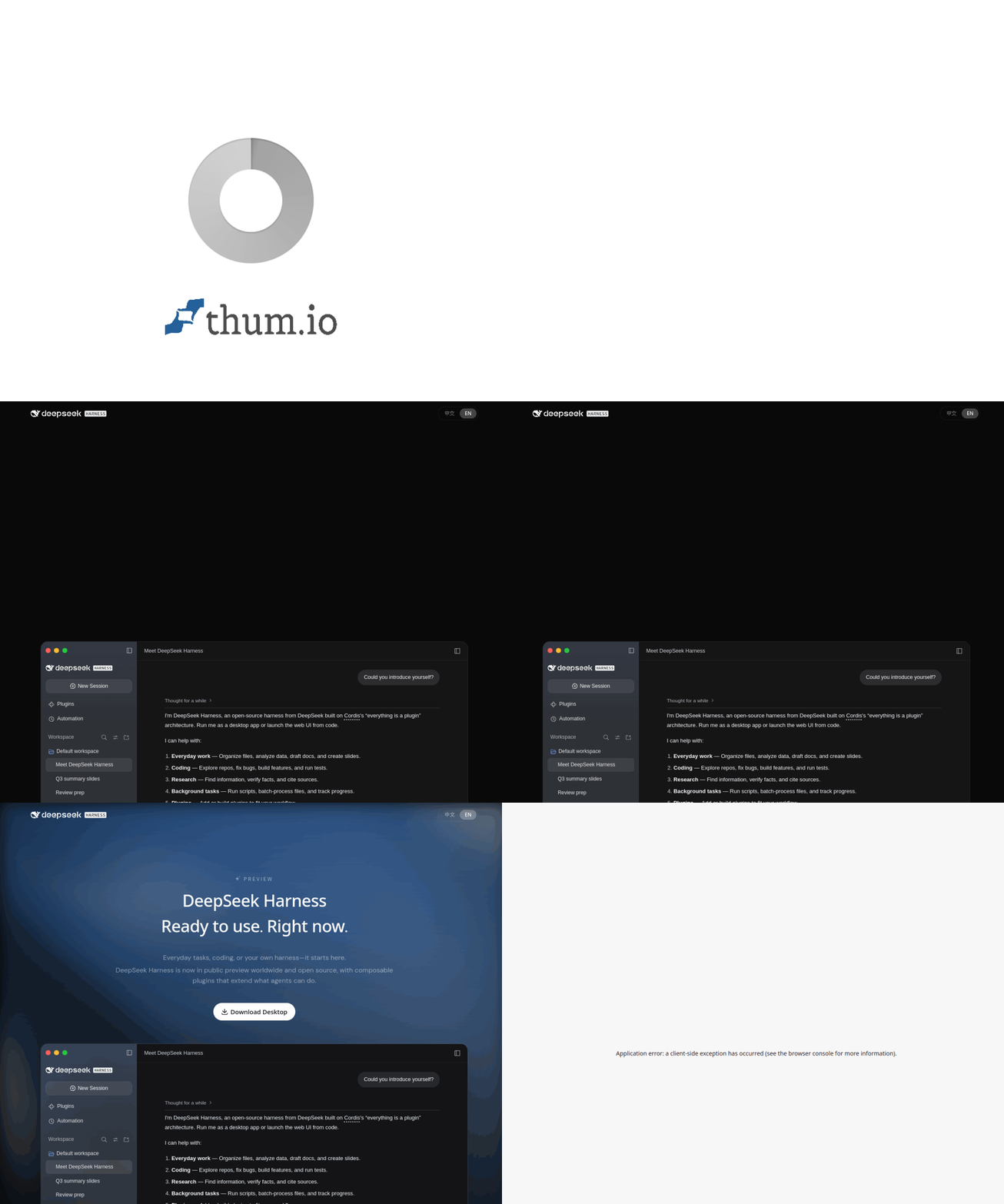
An AI agent needs more than a language model. It also needs tools, a way to manage sessions, an execution environment, and a record of what happened during a run. A harness is the software that connects these pieces.
DeepSeek Harness takes a modular approach: its official developer-preview page describes every capability as a plugin. This article explains the design, the available runtime modes, and what developers should check before connecting real project data.

The harness around the model
Imagine a model that can suggest a shell command but cannot run it, inspect the result, or keep track of the task. A harness supplies that working environment. DeepSeek describes the relationship as an agent made from a model plus a harness.
In this project, Cordis manages plugin mounting, dependencies, services, and events. Plugins can provide models, tools, skills, sessions, sandboxes, storage, loops, scheduling, and the interface. Developers can change these capabilities through configuration instead of editing the harness core.
Four ways to run it
The preview describes four modes. Standard mode provides the full coding-agent toolset. Code mode exposes tools through an SDK so the model can orchestrate several operations in code. Minimal mode keeps a shell and file editor for testing models with fewer built-in capabilities. Creator mode is for inspecting the runtime and experimenting with plugins.
The project also records runs in an append-only session log. That log can include prompts, tool calls, results, scheduling, and context changes, making it easier to inspect or replay what the agent did.
Try the preview
The official quick start launches the web interface with this command:
```bash npx @deepseek-ai/dsh web ```
The command downloads and runs the package through npx. Before using it on a sensitive repository, review the plugins you enable and the model or service endpoints you configure.
Keep the data boundary in view
DeepSeek's data-processing statement says Harness stores session content locally by default and does not upload it without consent. It also warns that external models, web tools, MCP services, and plugins may send data to their own providers when invoked.
That distinction is important: local storage by the harness does not make every connected tool local. Start with a test project, inspect plugin permissions, and check each provider's data policy.
DeepSeek Harness is still in developer preview, so APIs and plugins can change. It is an interesting runtime to study when building an agent, but teams should treat it as an evolving developer tool.
Sources: DeepSeek Harness developer preview and data-processing statement.