这是一个基于Google Agent Development Kit (ADK)开发的费用报销智能代理,作为Agent2Agent (A2A)服务器运行。该代理的核心特性是智能表单生成:当用户的报销请求缺少必要信息时,代理会自动生成一个表单供用户填写,确保收集到完整的报销信息后再进行处理。
源代码
🎯 项目特色
- 智能表单交互:自动检测缺失信息并生成动态表单
- A2A协议支持:标准化的代理间通信协议
- 流式处理:支持实时响应和状态更新
- Google ADK集成:基于Google最新的代理开发工具包
📋 系统要求
- Python 3.12 或更高版本
- UV 包管理工具
- Google API Key (Gemini模型访问权限)
🚀 快速开始
1. 获取Google API Key
- 访问 Google AI Studio
- 登录您的Google账户
- 点击"Get API key"
- 创建新的API key或使用现有的
- 复制API key备用
2. 环境配置
# 克隆项目到本地(如果需要)
git clone https://github.com/sing1ee/a2a-adk-expense-reimbursement.git
cd a2a-adk-expense-reimbursement

# 创建环境变量文件
echo "GOOGLE_API_KEY=your_api_key_here" > .env

# 替换your_api_key_here为您的实际API key
3. 安装依赖和运行
# 激活虚拟环境
source .venv/bin/activate

# 使用uv运行项目
uv run .
服务器将在 http://localhost:10002 启动。
4. 使用CLI客户端测试
打开新的终端窗口:
git clone https://github.com/a2aproject/a2a-samples.git
# 导航到CLI客户端目录(假设在samples/python/hosts/cli)
cd a2a-samples/samples/python/hosts/cli

# 连接到报销代理
uv run . --agent http://localhost:10002
5. 测试交互示例
在CLI客户端中输入以下测试命令:
# 示例1:缺少信息的请求(会触发表单)
我需要报销$20的午餐费

# 示例2:完整信息的请求
我需要报销2024年1月15日的$50客户午餐费用

# 示例3:部分信息的请求
请帮我报销昨天的交通费$25
🏗️ 项目架构
核心文件结构
a2a-adk-expense-reimbursement/
├── __main__.py          # 服务器启动入口
├── agent.py             # 核心代理逻辑
├── agent_executor.py    # A2A请求执行器
├── pyproject.toml       # 项目配置和依赖
└── README.md           # 项目文档
主要组件说明
1. __main__.py - 服务器入口
- 配置A2A服务器和代理信息
- 设置代理技能和能力描述
- 启动HTTP服务器监听请求
2. agent.py - 核心代理逻辑
包含三个关键工具函数:
create_request_form(): 创建报销表单模板return_form(): 将表单封装为A2A协议格式返回reimburse(): 执行实际的报销审批操作
3. agent_executor.py - 请求执行器
🔄 核心工作流程
以下时序图展示了报销代理的完整交互流程:
sequenceDiagram
    participant User as 用户/CLI客户端
    participant Server as A2A服务器
    participant Agent as 报销代理
    participant LLM as Gemini 2.0 Flash

    User->>Server: 发送报销请求<br/>"我需要报销$20的午餐费"
    Server->>Agent: 转发用户请求
    Agent->>LLM: 分析请求内容
    LLM->>Agent: 识别缺少日期等信息
    Agent->>Agent: 调用create_request_form()
    Agent->>Agent: 调用return_form()
    Agent->>Server: 返回表单结构
    Server->>User: 返回JSON表单<br/>包含日期、金额、目的字段

    User->>User: 用户填写表单<br/>日期、金额、目的
    User->>Server: 提交填写完整的表单
    Server->>Agent: 转发表单数据
    Agent->>LLM: 验证表单完整性
    LLM->>Agent: 确认信息完整
    Agent->>Agent: 调用reimburse(request_id)
    Agent->>Server: 返回审批结果
    Server->>User: 返回最终结果<br/>"报销已批准"
工作流程详解
- 请求接收:用户通过CLI客户端发送报销请求
- 智能分析:Gemini模型分析请求,识别缺失的必要信息
- 表单生成:如果信息不完整,自动生成包含所需字段的表单
- 用户交互:用户填写表单补充缺失信息
- 信息验证:验证表单数据的完整性和有效性
- 报销处理:执行报销审批并返回结果
🛠️ 高级配置
环境变量
# Google API配置
GOOGLE_API_KEY=your_api_key_here

# 使用Vertex AI(可选)
GOOGLE_GENAI_USE_VERTEXAI=TRUE

# 服务器配置
HOST=localhost
PORT=10002
自定义端口运行
uv run . --host 0.0.0.0 --port 8080
🧪 开发和调试
启用详细日志
代理默认启用INFO级别日志。查看详细的请求处理过程:
# 查看服务器日志
uv run . 2>&1 | tee agent.log
表单结构示例
代理生成的表单遵循JSON Schema格式:
{
  "type": "form",
  "form": {
    "type": "object",
    "properties": {
      "date": {
        "type": "string",
        "format": "date",
        "title": "Date",
        "description": "Date of expense"
      },
      "amount": {
        "type": "string",
        "format": "number",
        "title": "Amount",
        "description": "Amount of expense"
      },
      "purpose": {
        "type": "string",
        "title": "Purpose",
        "description": "Purpose of expense"
      }
    },
    "required": ["date", "amount", "purpose"]
  }
}
⚠️ 安全注意事项
重要提醒:本示例代码仅用于演示Agent2Agent (A2A)协议的工作机制。在构建生产应用时,必须将任何外部代理视为潜在的不可信实体。
安全措施
- 输入验证:对所有外部输入进行严格验证和消毒
- 数据处理:谨慎处理代理卡片、消息、工件等数据
- 凭据管理:实施适当的凭据保护措施
- 权限控制:限制代理的访问权限和操作范围
Featured Products
Tools and services from the A2A ecosystem directory.
Create images, videos, voiceovers and music with AI Kenerate. Turn text and photos into creative content with AI tools and an agent in one workspace.
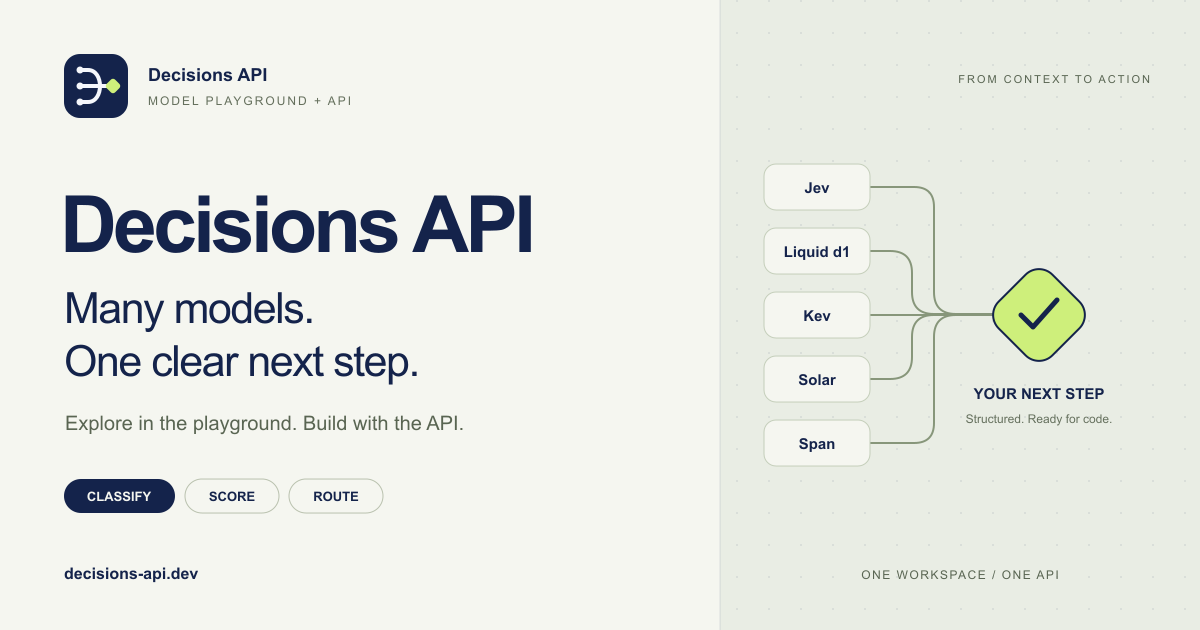
Decisions API brings multiple AI decision models into one workflow for classifying, scoring, routing, and evaluating text with structured outputs.
Build smarter AI workflows with a unified API for classification, scoring, routing, verification, and other structured decisions.
Try Jev AI Model online for free after sign in. Classify, score, and route text with structured results. Buy credits for API access.
Turn any flat image into named, editable layers—separate text, subjects, decorations, and backgrounds in just a few clicks.
Related Articles
Explore more content related to this topic
Content Planner Agent Based on A2A and ADK
An intelligent content planning agent based on Google ADK and A2A protocol that creates detailed content outlines from high-level content descriptions.
Implementing A2A Agents with ADK: Complete Development Guide
This guide provides a detailed introduction on how to use Google ADK (Agent Development Kit) framework to implement A2A (Agent2Agent Protocol) intelligent agent systems. From environment setup, project structure design to server-side and client-side agent development, covering the complete development process to help developers quickly build intelligent agent applications that support distributed communication.
A2UI Introduction - Declarative UI Protocol for Agent-Driven Interfaces
Discover A2UI, the declarative UI protocol that enables AI agents to generate rich, interactive user interfaces. Learn how A2UI works, who it's for, how to use it, and see real-world examples from Google Opal, Gemini Enterprise, and Flutter GenUI SDK.
Agent Gateway Protocol (AGP): Practical Tutorial and Specification
Learn the Agent Gateway Protocol (AGP): what it is, problems it solves, core spec (capability announcements, intent payloads, routing and error codes), routing algorithm, and how to run a working simulation.
Integrating A2A Protocol - Intelligent Agent Communication Solution for BeeAI Framework
Using A2A protocol instead of ACP is a better choice for BeeAI, reducing protocol fragmentation and improving ecosystem integration.