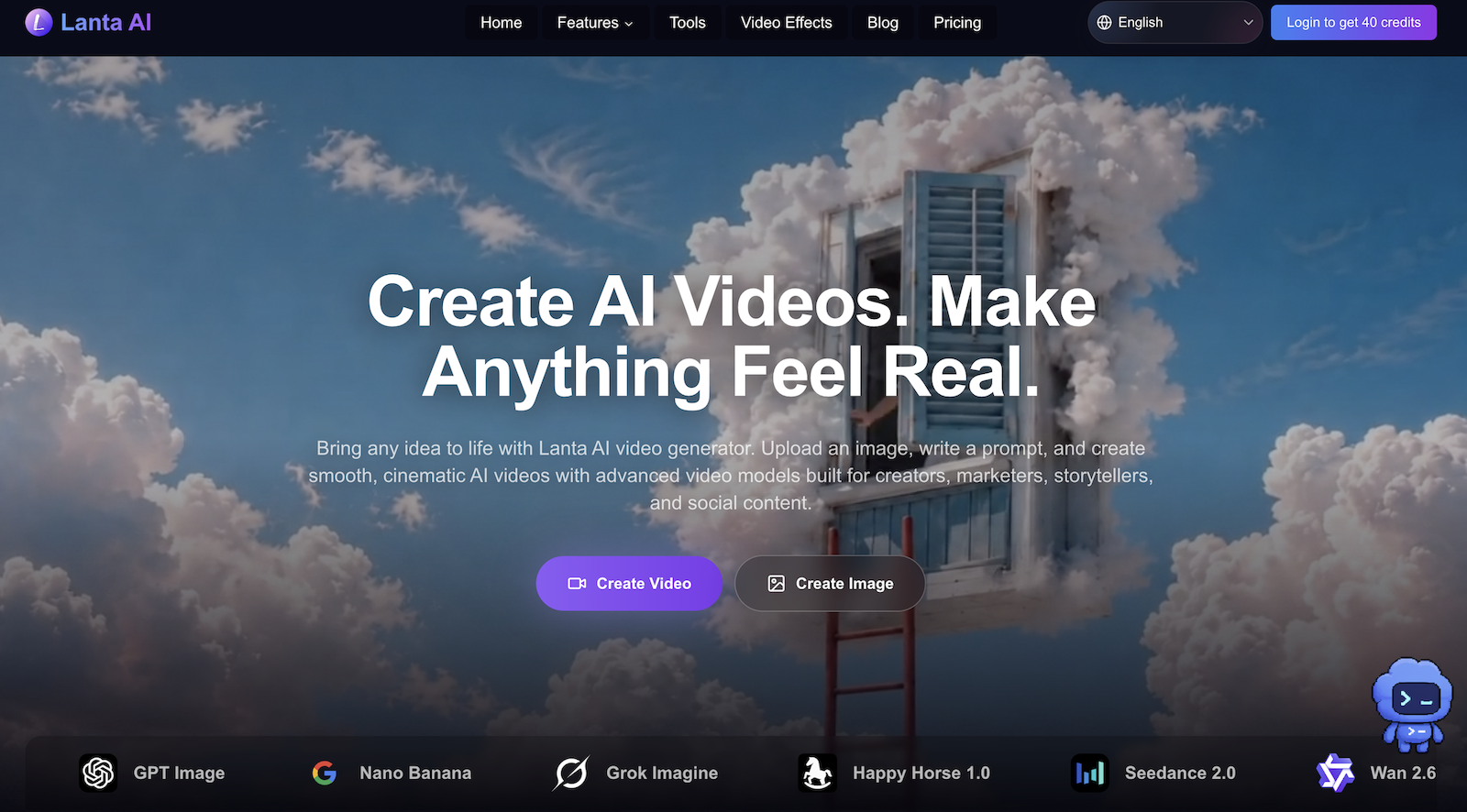
What Is an AI Video Generator?
With the rapid advancement of artificial intelligence, AI video generators have become essential tools for content creators, marketers, and social media managers. With just an image or a text prompt, AI can produce smooth, realistic videos within minutes.
If you're looking for a powerful yet easy-to-use AI video creation tool, Lanta AI is one of the most compelling options on the market today.
What Is Lanta AI Video Generator?
Lanta AI Video Generator is an online AI video creation platform that supports both image-to-video and text-to-video generation, turning your ideas into high-quality AI videos in no time. Whether you are a:
- 📱 Social media content creator (TikTok, Reels, Shorts)
- 🎬 Short film director or storyteller
- 🛍️ Brand marketer or advertiser
- 🎵 Music video producer
Lanta AI is built to meet your creative needs.
6 Core Features of Lanta AI
1. 🎥 Precision Camera Control
Unlike other AI video tools that only accept basic text prompts, Lanta AI offers professional-grade camera control, including:
- Shot types (close-up, medium shot, wide shot)
- Camera movements (push, pull, pan, tilt, tracking)
- Advanced cinematic techniques (montage, long takes, dolly zooms)
This means you can direct every shot like a real filmmaker.
2. 🧑🎨 Cross-Frame Character Consistency
One of the most common issues in AI video generation is characters changing appearance between shots. Lanta AI uses advanced algorithms to maintain consistent facial features, hairstyles, clothing, and body shape throughout the entire video, making your AI videos feel far more professional and believable.
3. 🖼️ All-in-One Image and Video Workflow
Lanta AI provides a complete image + video creation pipeline:
- Use the AI image generator to batch-create first frames, end frames, and storyboard reference images
- Export 4K high-resolution images for better video generation results
- Import generated images into the video generator with a single click
This streamlined workflow dramatically boosts productivity, especially for teams with high-volume content needs.
4. 🏃 Physical Realism Simulation
Lanta AI is specifically optimized for physically believable human motion, including running, jumping, skating, skateboarding, and landing — making every movement look natural, balanced, and grounded, free from the "uncanny AI" effect.
5. 🔊 Native Audio & Sound Effect Generation
Lanta AI supports generating synchronized sound effects, ambient noise, dialogue, and music cues alongside your video. Supported languages include:
Chinese, English, Spanish, French, Japanese, Korean, and more
No need to source voiceovers or sound effects separately — complete your video in one place.
6. 📲 Social Media-Optimized Content Creation
Purpose-built for TikTok, Instagram Reels, and YouTube Shorts, Lanta AI lets you generate scroll-stopping vertical videos in seconds — no editing app required.
How to Create a Video with Lanta AI
The process is straightforward:
- Choose a mode — Image to Video or Text to Video
- Upload assets — Add reference images, videos, or audio
- Write your prompt — Describe the scene, action, style, and camera movement
- Select model and duration — Choose the AI model that fits your needs
- Click Generate — Your video will be ready in approximately 4–5 minutes
The Perfect AI Video Prompt Formula
A well-crafted prompt is the key to generating high-quality AI videos. Here is the official prompt formula recommended by Lanta AI:
[Shot type] + [Subject] + [Action] + [Setting] + [Style] + [Camera movement] + [Timing] + [Audio cues]
Example:
Medium tracking shot of a young woman walking through a neon-lit city street at night, rain reflecting on the pavement, cinematic cyberpunk style, slow push-in toward her face, 0–2s she walks forward, 2–4s she turns toward the camera, audio: soft rain, distant traffic, and footsteps on wet pavement.
Is Lanta AI Free?
New users receive 40 free credits — no credit card required. Upgrading to a paid plan unlocks:
- ✅ Advanced AI video models
- ✅ Watermark-free exports
- ✅ Faster generation speeds
Frequently Asked Questions (FAQ)
Q: Can I use Lanta AI videos commercially? A: Yes. Videos generated with Lanta AI can be used for commercial projects, including advertisements, as long as they comply with Lanta AI's Terms of Use.
Q: How long does it take to generate a video? A: A 5-second video typically takes around 4–5 minutes. Longer videos or more detailed prompts may require additional processing time.
Q: Are my uploads and generated videos private? A: Lanta AI takes user privacy seriously. Uploaded content is only used to process your request. Please refer to Lanta AI's Privacy Policy for full details.
Summary: Why Choose Lanta AI?
| Feature | Lanta AI |
|---|---|
| Image to Video | ✅ |
| Text to Video | ✅ |
| Professional Camera Control | ✅ |
| Character Consistency | ✅ |
| Native Audio Generation | ✅ |
| Commercial Use | ✅ |
| Free Trial | ✅ 40 Credits |
| Multi-language Support | ✅ |
If you're looking for an AI video generator that is feature-rich, beginner-friendly, and commercially viable, Lanta AI is undoubtedly one of the best tools to try in 2025.
👉 Start Creating for Free — no credit card needed, 40 free credits waiting for you!
Tags: AI video generator, free AI video maker, image to video, text to video, AI video creation, Lanta AI, online video generator, social media video