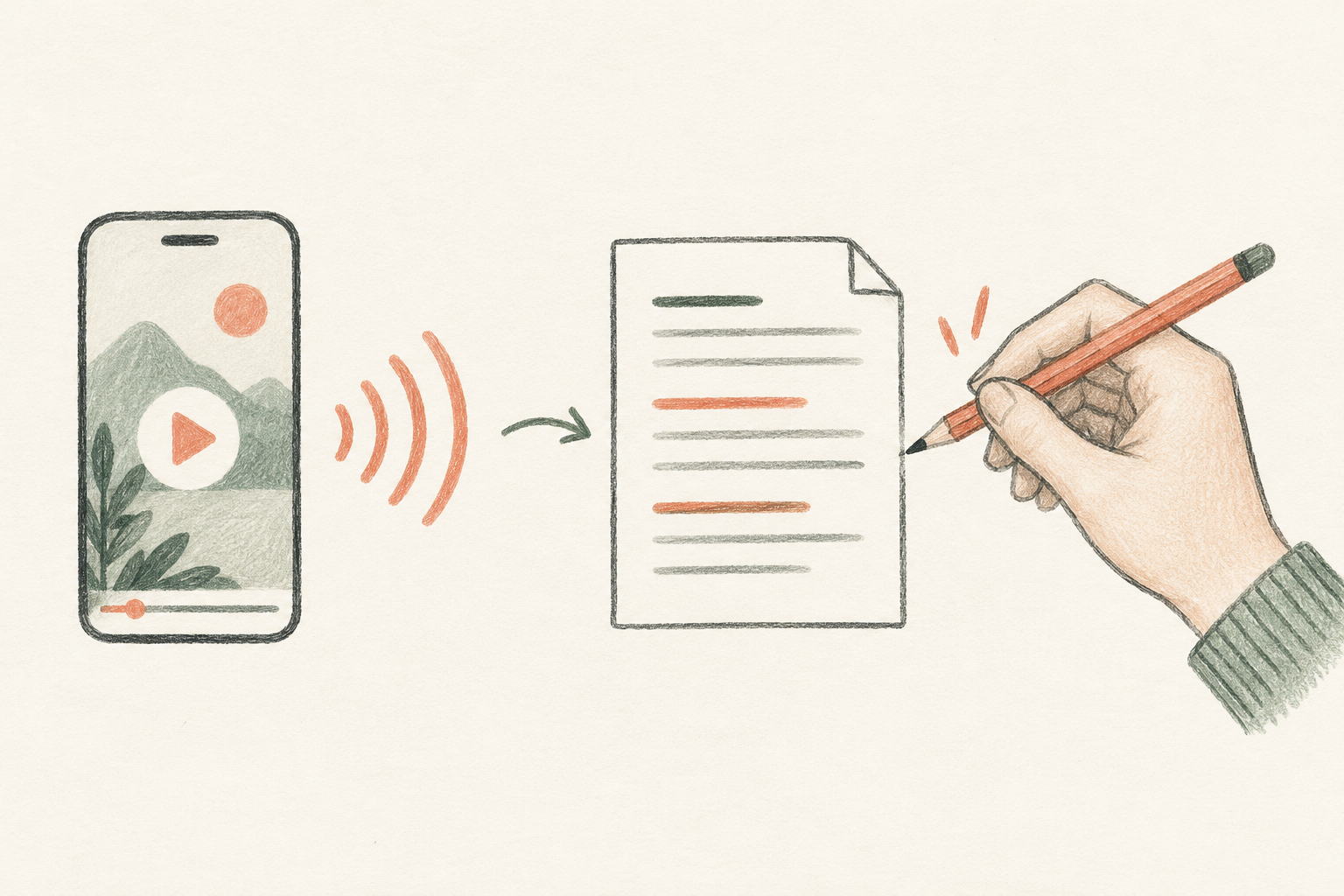
An Instagram Transcript is a written version of the spoken words in an Instagram Reel. It can make a short video easier to search, quote, study, or adapt into another format.
For people who do not want to replay a clip, a searchable transcript offers a first pass.
Finding the right words by replaying a Reel is slow. For many people, an Instagram Transcript is simply a faster way to revisit a useful idea. A transcript tool can do the first pass for you, but each service has different limits and none should be treated as a perfect record.
This guide explains how an Instagram Transcript is made, how to create one from a public Reel link, and how four tools describe their features. I reviewed their public pages and captured their input screens; I did not submit the same Reel to all four services, so this is not an accuracy benchmark.
What an Instagram Transcript contains
A transcript represents the words detected in the audio. Captions may mean the text in an Instagram post's description, while subtitles are words displayed over the video. Those are three different things.
A speech recognizer can turn spoken audio into text, but it may miss a name, flatten a speaker change, or guess at a word hidden by music. An Instagram Transcript may also omit on-screen text, sound effects, and visual context. Treat it as a draft to check against the video. A transcript can include punctuation and paragraph breaks, but those are formatting choices rather than proof that every word is correct.
The distinction matters when the Reel's post caption does not match what the person says. A tool that transcribes audio should return the spoken content; a tool that reads only the post description would not. Check which source a service uses before relying on the result.
Make an Instagram Transcript in three steps
1. Copy a public Reel link
Open the Reel, tap Share, and choose Copy link. That URL is the starting point for an Instagram Transcript. The link usually has a shape like this:
https://www.instagram.com/reel/REEL_ID/
Here, REEL_ID stands for the identifier in the link you copied. Use a public Reel that the service can access. A private post, removed video, or region-restricted link may not work.
2. Paste the link into a tool
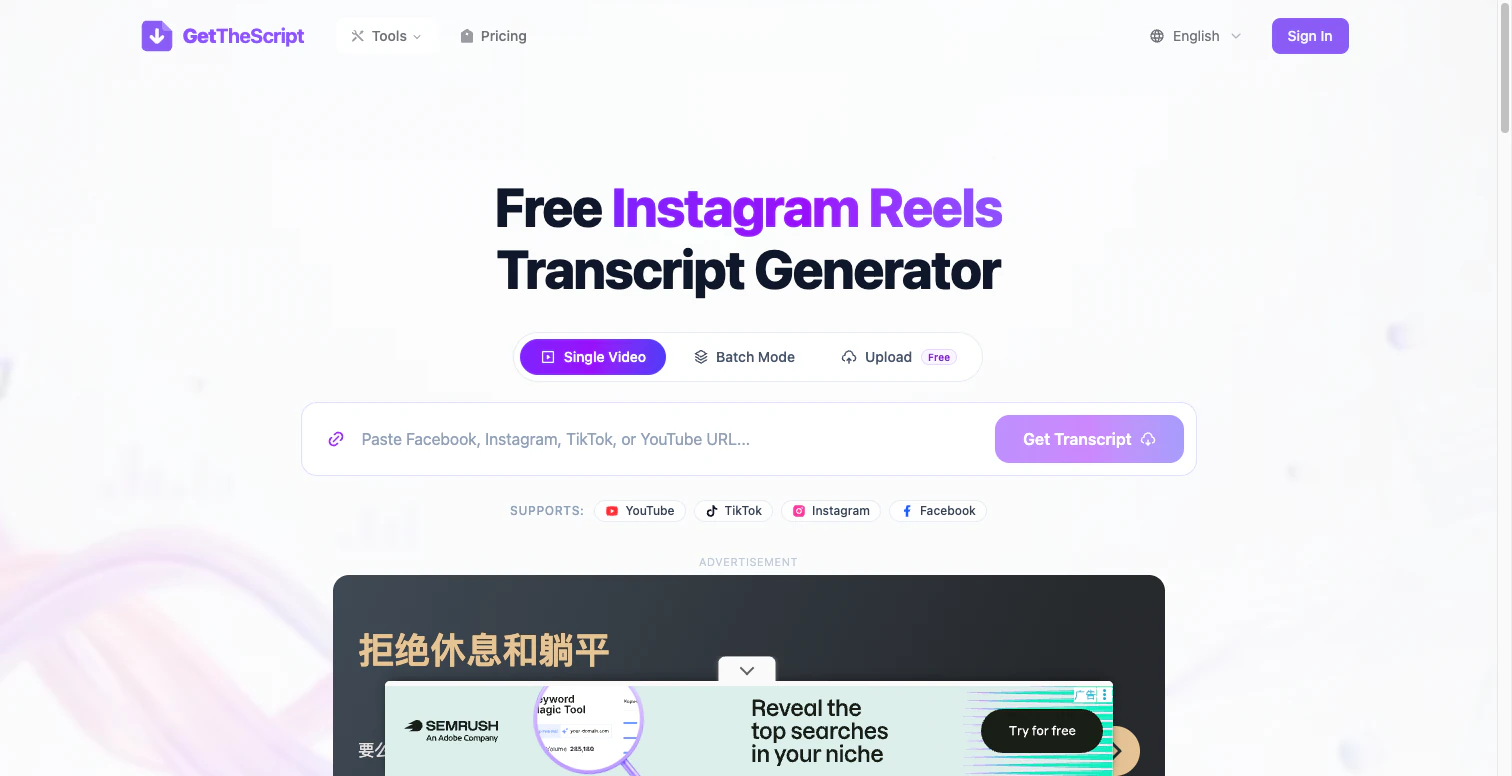
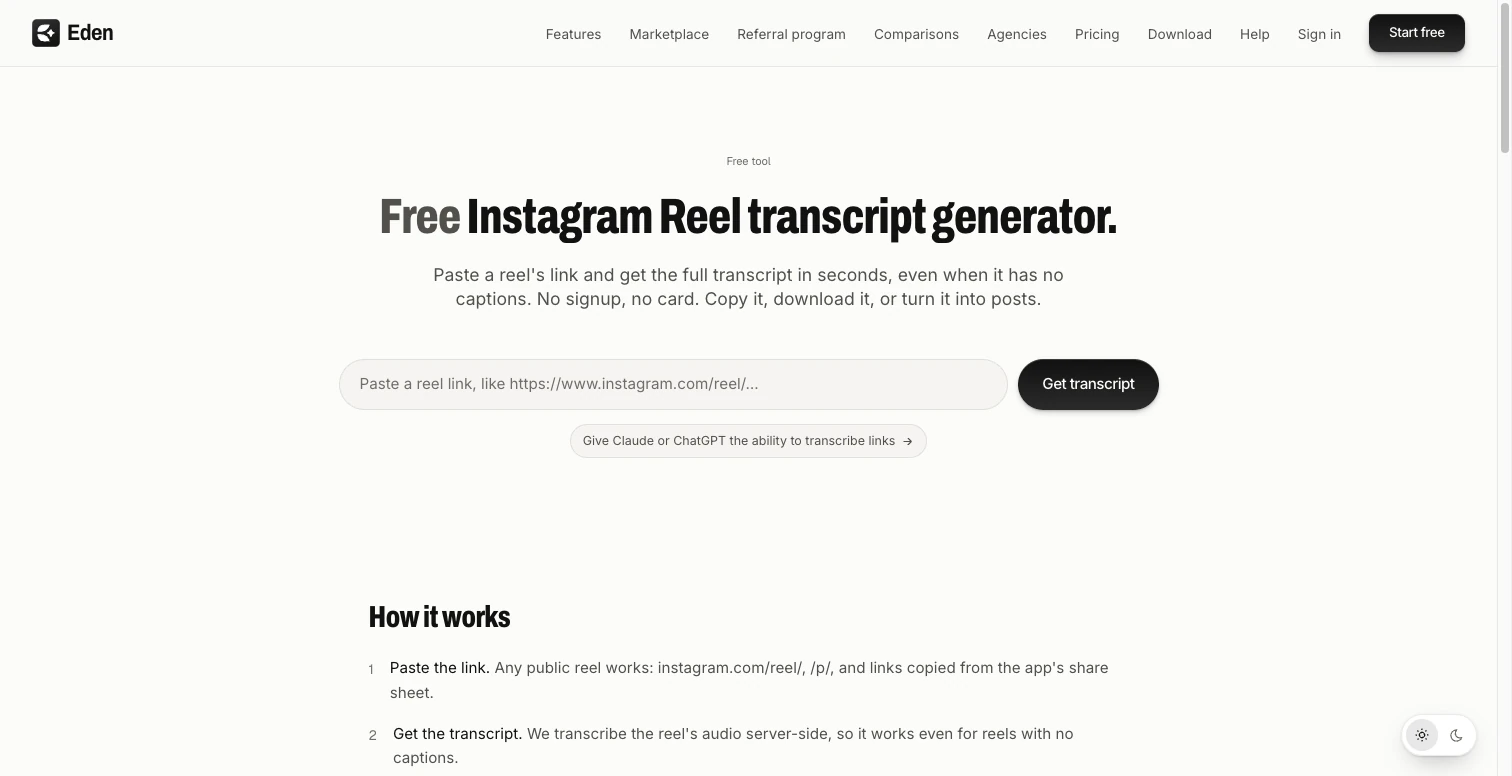
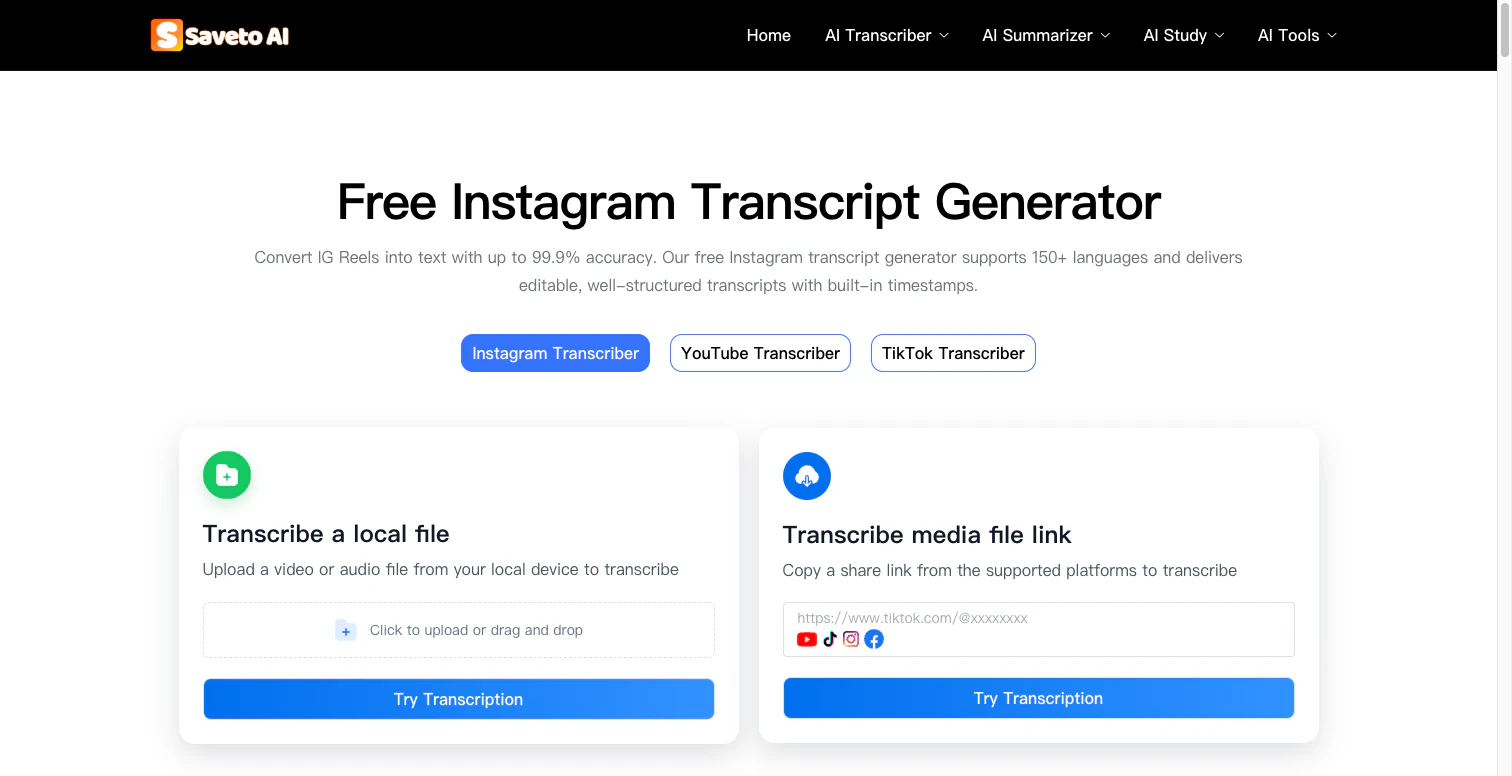
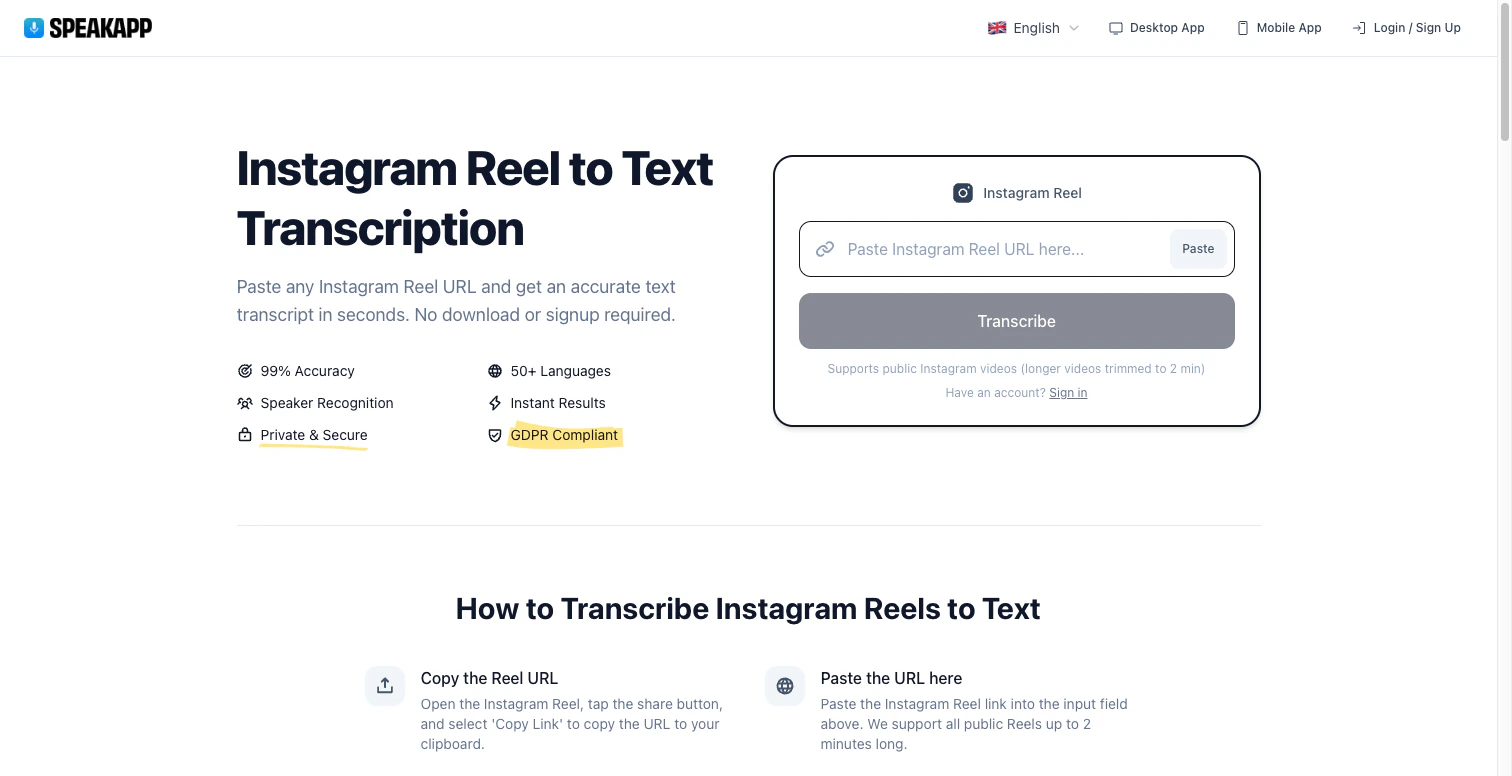
Open an Instagram Transcript page, paste the link into its input box, and select its transcript button. This is where each service begins creating an Instagram Transcript from the source it supports. The screenshots below show the current public input pages for the four tools covered here. They do not show transcript results because I did not submit a Reel during this review.
3. Read and correct the result
Compare the generated text with the audio. Treat the first result as an Instagram Transcript draft. Check names, dates, prices, abbreviations, and words spoken over music. If the clip contains two speakers, confirm who said each line. Before quoting someone, replay that moment and preserve its meaning and context.
Four Instagram Transcript tools at a glance
These notes summarize what each service currently says on its own public page. The comparison is about how each Instagram Transcript workflow is presented; feature descriptions are not independent performance results.
| Tool | What its page offers | Details to check |
|---|---|---|
| GetTheScript | A link field for Instagram and several other video platforms, plus single-video, batch, and upload modes. Its page lists text and subtitle export options. | Check the current plan limits and supported export formats before choosing it for a larger job. |
| Eden | A public Reel link flow; the page says it accepts /reel/ and /p/ links, can copy or download a .txt, and can continue into Eden's creator workflow. |
Its page describes a fair-use limit per connection. The transcript page is also an entry point to a broader content product. |
| SaveTo AI | A link workflow and a local media upload option. The page lists editable transcripts, timestamps, and TXT, Markdown, and SRT formats. | Its page advertises 150+ languages and “up to 99.9%” accuracy; treat those as vendor claims, not a result verified in this review. |
| SpeakApp | A public Reel link flow with copy/download options. | The page says longer videos are trimmed to two minutes and advertises 50+ languages and speaker recognition. Its accuracy and privacy statements are the company's own claims. |
A basic Instagram Transcript workflow is often enough for a one-off note. Choose a tool based on the job: if you need subtitles, timestamps, or many files, check its export and batch options first. If your source is not a public Reel, confirm that the service accepts uploads and review its data policy before sending the file.
What the page review can and cannot tell you
All four pages make it easy to find the URL field. The pages differ in formats, extra workflows, and stated limits. That is useful for picking a first tool, but it does not tell us which one makes fewer transcription mistakes.
To compare an Instagram Transcript fairly, use the same short public Reel with clear speech, then a harder clip with names, background music, or more than one speaker. Compare the text with the audio and count meaningful errors. I did not run that test here, so this article does not rank the services by accuracy or speed.
An Instagram Transcript can still be valuable without a perfect score. Use it to locate a passage, draft your own notes, prepare accessible text, or build a first outline. Check every line that you plan to quote, publish, or use for a decision.
Common questions
Can I get an Instagram Transcript without captions?
Often, yes, if the service transcribes the audio. Captions added by the creator are not required for speech recognition, but clear speech helps. Music-only clips do not contain spoken words to transcribe.
Is an Instagram Transcript the same as subtitles?
No. A transcript is a text record of speech. Subtitles are timed text displayed with a video and may also include sound descriptions. Some tools offer subtitle files, but a plain transcript does not automatically become a finished subtitle track.
Are online Instagram Transcript tools accurate?
Accuracy depends on the audio and the system. Noise, accents, overlapping voices, names, and fast speech can change an Instagram Transcript. A percentage on a product page is not a guarantee for your clip. Review the transcript before using it.
Can I reuse someone else's transcript?
A public Reel is still someone else's creative work. A transcript does not grant permission to republish the script or pass it off as your own. Use only what you need, credit the creator where appropriate, and follow applicable rights and platform rules.
An Instagram Transcript is a first draft
An Instagram Transcript turns spoken audio into text you can search and edit. The practical workflow is simple: copy a public link, run it through a tool, then check the output against the Reel.
The four services above offer different formats and limits. Choose one that fits your task, treat marketing claims as claims until you test them, and review the words before you reuse them. That final human check is what makes a rough transcript useful.
(End)